The Best AI Interior Design Tools in 2026 (and How to Actually Use Them)
A couple of years ago, AI interior design tools were basically toys. You uploaded a photo of your bedroom, picked "modern," and got back something that looked like a furniture catalogue had a bad dream. That has changed. The good ones are now genuinely useful, and designers, real estate teams, and curious homeowners reach for them every week.
But here is the honest problem. Most "best AI interior design tools" lists you find online are just affiliate roundups. Everything is amazing, everything gets five stars, and nothing tells you what these tools are actually bad at.
We build AI systems for businesses, so we look at this differently. Below is what we tell people who ask us which tools to use, why, and where the limits really are.
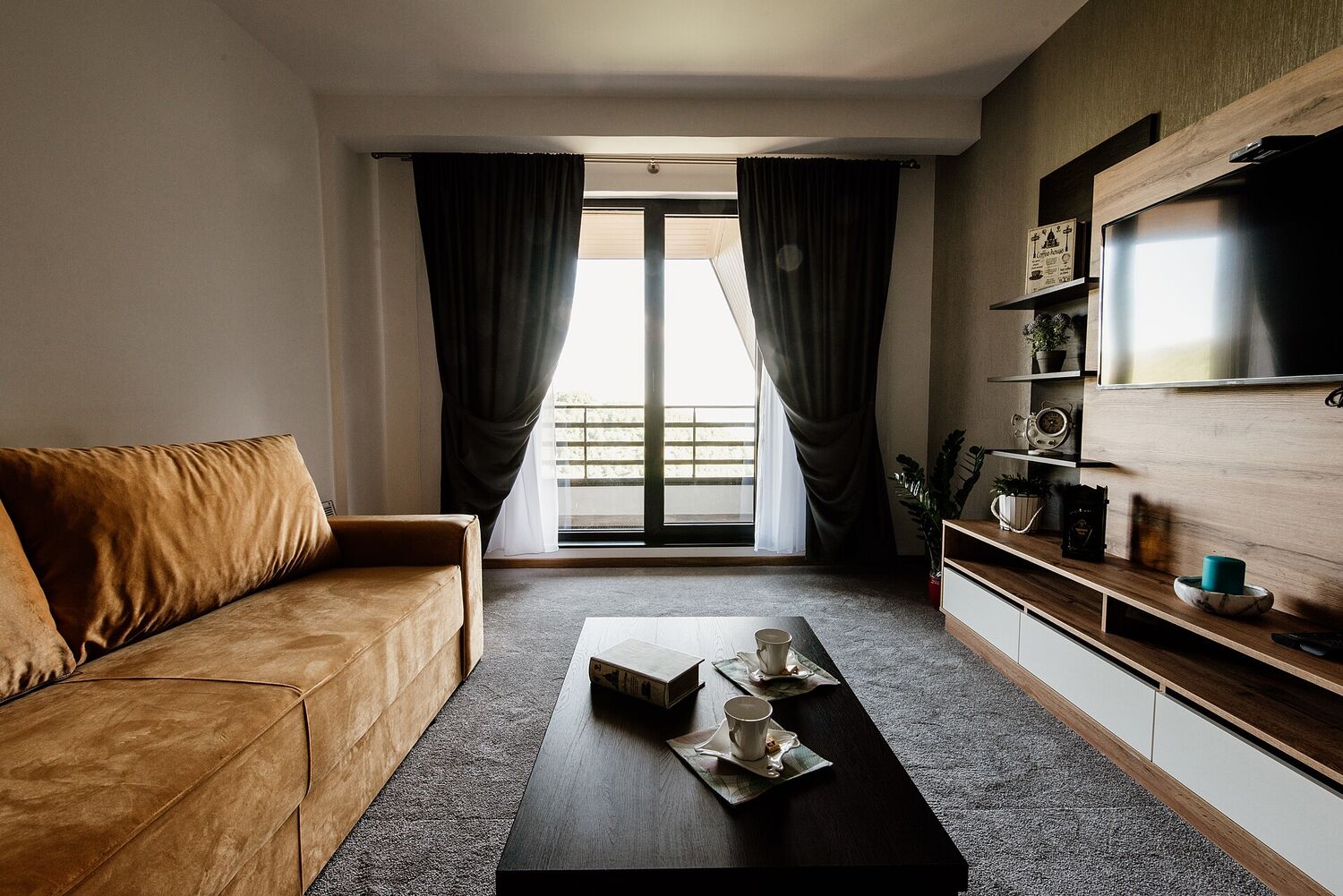
The kind of room AI tools can restyle in seconds. Whether the result is buildable is a different question.
What AI interior design tools actually do
Strip away the marketing and these tools do one of a few jobs.
Some of them restyle a room. You give them a photo and they hand back versions in different looks, like Scandinavian, industrial, or warm minimal. Others stage empty spaces with virtual furniture, which is mostly used to make property listings look lived in. A few help with the early creative thinking, turning a sentence into a mood board. And the more serious ones plug into real 3D and CAD software to speed up the slow parts of professional design work.
The reason this matters is simple. The best AI interior design tool for you depends entirely on which of those jobs you are trying to get done. A homeowner playing with paint colours and a studio producing client work need completely different things.
The AI interior design tools worth knowing in 2026
For instant room redesigns
These are the tools that feel like magic the first time you try them. Snap a photo of a room, and within seconds you are looking at it reimagined in five different styles. For early ideas, or for showing a client a few directions before anyone commits, they are brilliant.
The catch is that the results are inspiration, not instructions. The furniture is not real, the measurements are invented, and you cannot actually buy the room you are looking at. Treat the output as a starting point and you will love it.
For virtual staging in real estate
If you sell property, this is probably the highest value way to use AI right now. Virtual staging fills an empty listing photo with believable furniture, and a furnished room photographs better and sells faster. No moving trucks, no rental furniture, no weekend lost to styling a flat.
One thing to keep in mind. Plenty of markets ask you to label staged photos as digitally edited, so check the rules where you operate before you publish. If you run short-term lets rather than sell, the same tools help, though the honesty rules bite harder because guests physically arrive at the room. We cover that in AI interior design for Airbnb hosts.
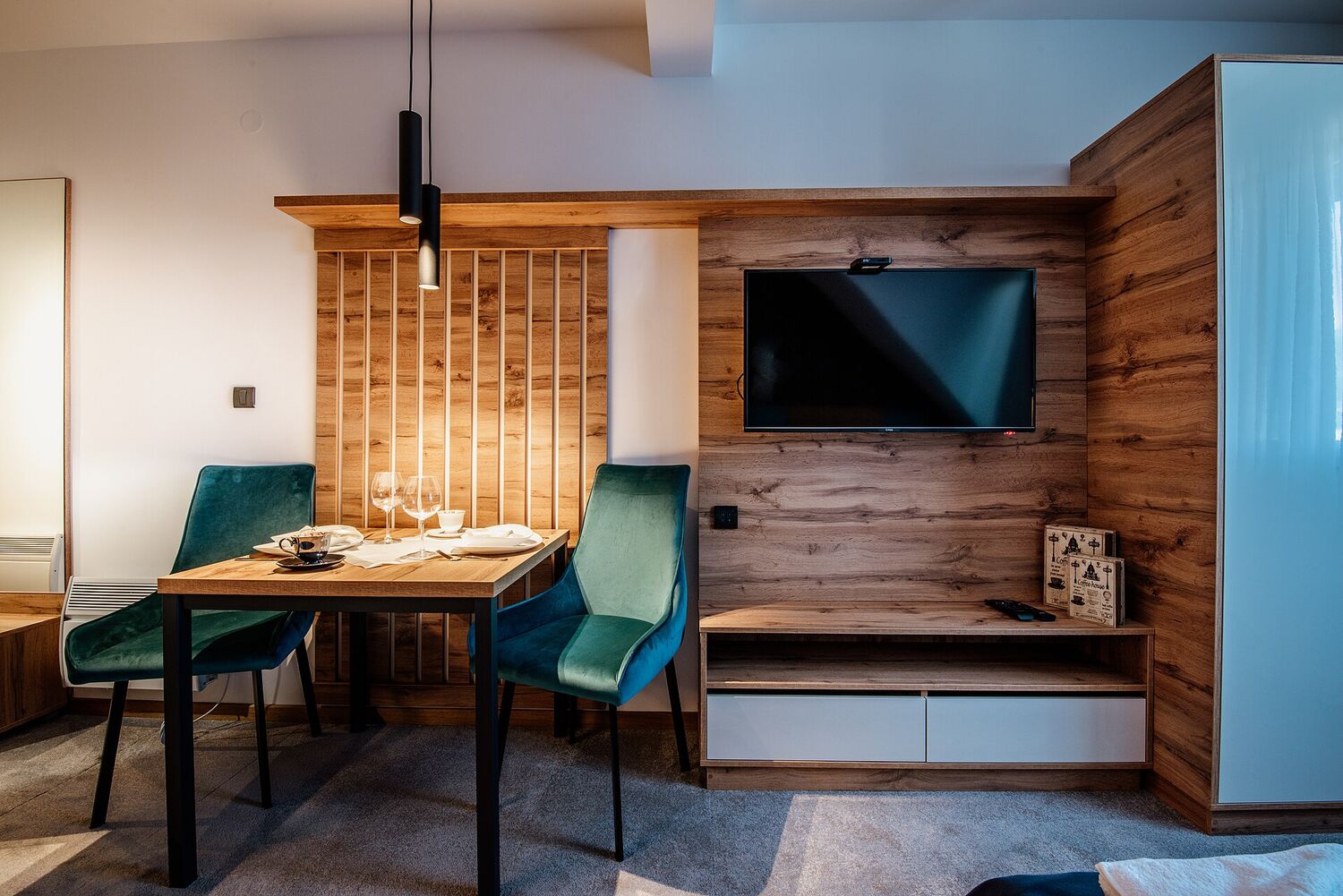
Virtual staging makes empty rooms feel like this. Buyers respond to spaces they can picture themselves in.
For working designers
If interior design is your job, the AI worth your time is usually the kind that fits into the tools you already use. Think faster material selection, quicker lighting tests, and rendering that does not eat your whole afternoon. The AI handles the repetitive parts. You keep the judgement.
The trade off is a steeper learning curve. These tools reward people who already know what good looks like.
For homeowners and curious DIYers
Consumer apps are the friendliest entry point. You can try a wall colour, move a sofa, or test a layout before lifting a finger. They lower the "what would this even look like" barrier to almost nothing, which is genuinely lovely.
Just go in knowing the results can be hit or miss, and the shopping links do not always match what is in stock. If you rent, these tools are quietly more useful than they look, as long as you stick to reversible changes: see AI interior design for renters. And when the question is one specific surface, a dedicated AI flooring visualizer lets you see new floors in your own room from a photo. For a bathroom, where a render can quietly hide a plumbing job, we compared the best free AI bathroom design apps and ran one real bathroom through a test.
How to pick the right one
Do not start with the tool. Start with what you actually need at the end.
Ask yourself what the output has to be. A quick concept for a client, a sellable listing photo, and a buildable plan are three very different finish lines. Ask who is going to see it, because a homeowner forgives rough edges and a paying client does not. Ask whether it needs to be accurate, since most image generators happily ignore real measurements. And ask whether it fits how you already work, because a tool that will not export to your formats just creates more work.
Answer those four honestly and the right tool usually picks itself.
If your question is narrower than "which interior design tool", we have run the same honest comparison, with real screenshots of every homepage, on the three jobs people ask about most: the best AI floor changer tools, the best AI office design tools and the best AI closet design tools.
Where these tools still fall short
This is the part the affiliate lists skip, and it is the part that actually helps you.
Most generative tools do not understand real dimensions, load bearing walls, or building codes. They will cheerfully show you a finish that does not exist or costs ten times your budget. Ask for the same room from another angle and many of them will invent a brand new room. And none of them know your client's life, the local light, or why the sofa simply has to face the window.
The failures get sharper the harder the room is, which is why we wrote dedicated guides for the three spaces AI mangles most: sloped ceilings and attic rooms, where renders straighten the slope, dark north-facing rooms, where they invent sunshine, and narrow hallways, where they quietly widen the corridor.
The same pattern repeats on the three purchases people most often want previewed. Renders judge rug colour well and rug size badly, which we measure out in AI interior design for rugs. They show wall colour as light rather than pigment, covered in AI paint colour visualisers. And they arrange pictures nicely while hanging them far too high, which is the subject of AI gallery walls and art placement.
Whole rooms fail the same way, and always on the empty floor rather than the furniture. Renders seat six people at a table with edge for four, which we work through in AI dining room design. They point every desk straight at a window, covered in AI home office design. And they drop a king size bed into a box room without checking that anyone can walk round it, which is the subject of AI bedroom design and whether the bed fits.
The teams getting real value are not pretending the AI is a designer. They use it as a very fast first draft and bring human taste in on top.
Turning a tool into a workflow
Here is the thing we tell every client. One clever app is a toy. A connected workflow is an advantage.

The real time sink is rarely the design itself. It is everything around it.
A pattern that works for design studios and property teams looks like this. You capture the input once, whether that is a room photo, a floor plan, or a short brief. You generate a few styled concepts automatically. A human keeps what is viable and bins the rest. The chosen direction flows into your production tools and your client emails. And the admin around it, the proposals, the follow ups, the revision requests, runs on its own.
That last step is where the hours actually disappear. Not in having the idea, but in the busywork between the idea and the finished job.
The goal was never to replace the designer. It is to delete the boring work that sits between a good idea and a happy client.
Where MeltFlex Solutions fits in
We do not sell a single interior design app. What we build is the connected workflow that ties these tools into how a business really runs.
For a design studio or a property team, that might mean generating styled concepts straight from an intake form, pushing approved designs into proposals automatically, handling client follow ups and reminders without anyone lifting a finger, and pulling the whole thing into one place instead of ten browser tabs.
The tools in this article are the raw material. The advantage comes from how you wire them together, and that is exactly what we design and deploy. We have built this thinking into our own product too: MeltFlex AI turns a single photo into restyled rooms and staged listings, redesigns a home's exterior, places real furniture you can actually buy, and even generates a video walkthrough from a still, then slots into the workflow around them.
Questions people ask us
Are AI interior design tools free? Many have a free tier with limited generations. The professional features, like high resolution exports, commercial licences, and batch processing, usually sit behind a paid plan.
Can AI replace an interior designer? No, and we would be suspicious of anyone who says it can. AI speeds up ideas and removes busywork. Taste, judgement, and accountability still need a person.
What is the best AI interior design tool for real estate? For listings, virtual staging gives the clearest return. For a design studio, a tool that fits your existing 3D workflow matters far more.
So that is the honest version. The tools are good and getting better, but the win is not the tool itself. It is what you build around it.
Want to turn AI interior design tools into a workflow that genuinely saves your team time? Book a free call and we will map out where automation pays off fastest.
Image credits: photos by Shixart1985, via Wikimedia Commons, licensed under CC BY 2.0.