AI Flooring Visualizer: See New Floors From a Photo
Choosing a floor is one of the most expensive, least reversible decisions in a room, and it is almost impossible to picture from a small sample in a shop. A five by five centimetre swatch under fluorescent lighting tells you very little about how a whole floor will feel in your actual room, with your walls, your light and your furniture.
An AI flooring visualizer fixes exactly that. You give it a photo of your room, and it shows the same room with a different floor laid down. Instead of imagining, you are reacting to a picture. That is a genuinely better way to decide. The trick is knowing which type of tool you are using, and where each one quietly misleads you.
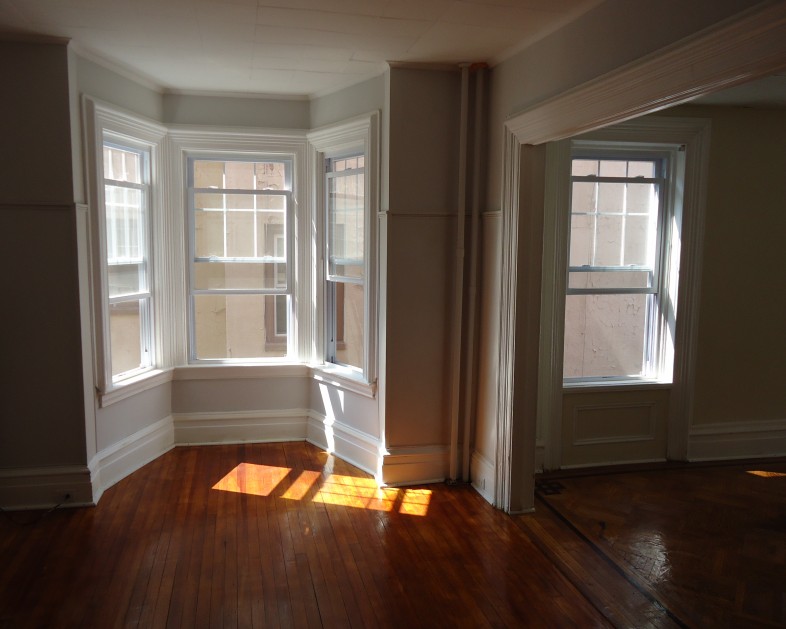
The decision a floor visualizer helps with: how a whole floor reads across a real room, not how a thumbnail sample looks in a shop.
The two kinds of AI flooring visualizer
They look similar but solve different problems, and confusing them is where people go wrong.
Brand and retailer visualizers. Most flooring manufacturers now offer a room visualizer on their site. You upload a photo or use a model room, and you swap between the floors they sell. The big advantage is that everything you see is a real product with a name and a price you can order. The limit is obvious: you only ever see that one brand's range, so it is a sales tool as much as a design tool.
General AI restyle tools. These are not tied to a catalogue. You describe or select a look, warm oak, pale herringbone, dark slate, polished concrete, and the AI restyles your room's floor to match. The advantage is total freedom to explore any style. The limit is the mirror image of the brand tools: the floor you fall in love with is a look, not a specific product you can buy. You still have to go and source the real thing afterwards.
How to use each one well
Play to each tool's strength and they work beautifully together.
Start broad with a general AI restyle to explore directions you had not considered. Warm or cool? Light or dark? Wide planks or herringbone? This is where you discover what you actually like without a salesperson steering you. Once you have a direction, switch to brand visualizers to find real products in that style and see them in your room, with prices attached. That two-step, explore freely, then match to something orderable, gets you both imagination and a buyable result.
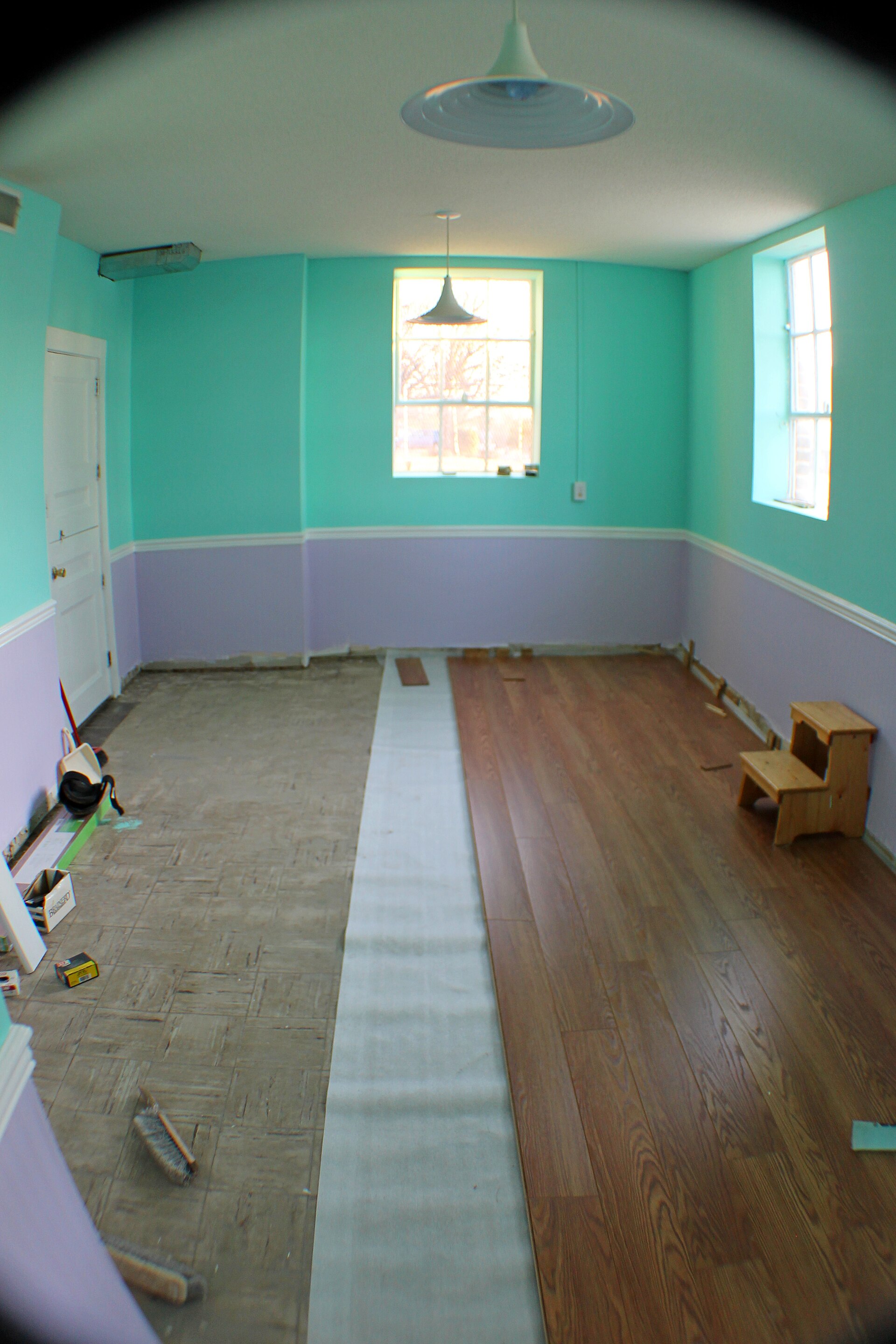
What a visualizer cannot show you: the real texture, sheen and feel underfoot. This is why a physical sample is still non-negotiable before you order.
Where flooring visualizers mislead you
This is the honest part, and it is the part that saves you from an expensive mistake.
Screens lie about colour. Your monitor and your room lighting are not the floor's true colour. A warm oak can read yellow on one screen and grey on another. Never trust the exact shade you see; trust the relative comparison between options.
Perspective and scale get fudged. AI has to guess how a plank size reads across a floor at an angle. It often gets the scale slightly wrong, so a floor can look busier or calmer in real life than in the render.
Edges and furniture confuse it. Where the floor meets a rug, a sofa leg or a shadow, AI can smear or warp the pattern as it guesses at geometry it cannot see. A clean, straight-on, well-lit, decluttered photo gives far more reliable results than a cluttered one shot at an angle.
It says nothing about the real job. A visualizer shows the surface, not the subfloor, the levelling, the transitions between rooms, or how the floor wears in five years. Those are the things that actually decide whether you are happy, and no render knows them.
A visualizer is for shortlisting, not deciding. It gets you from twenty options to three. The physical sample, in your room, in your light, makes the final call.
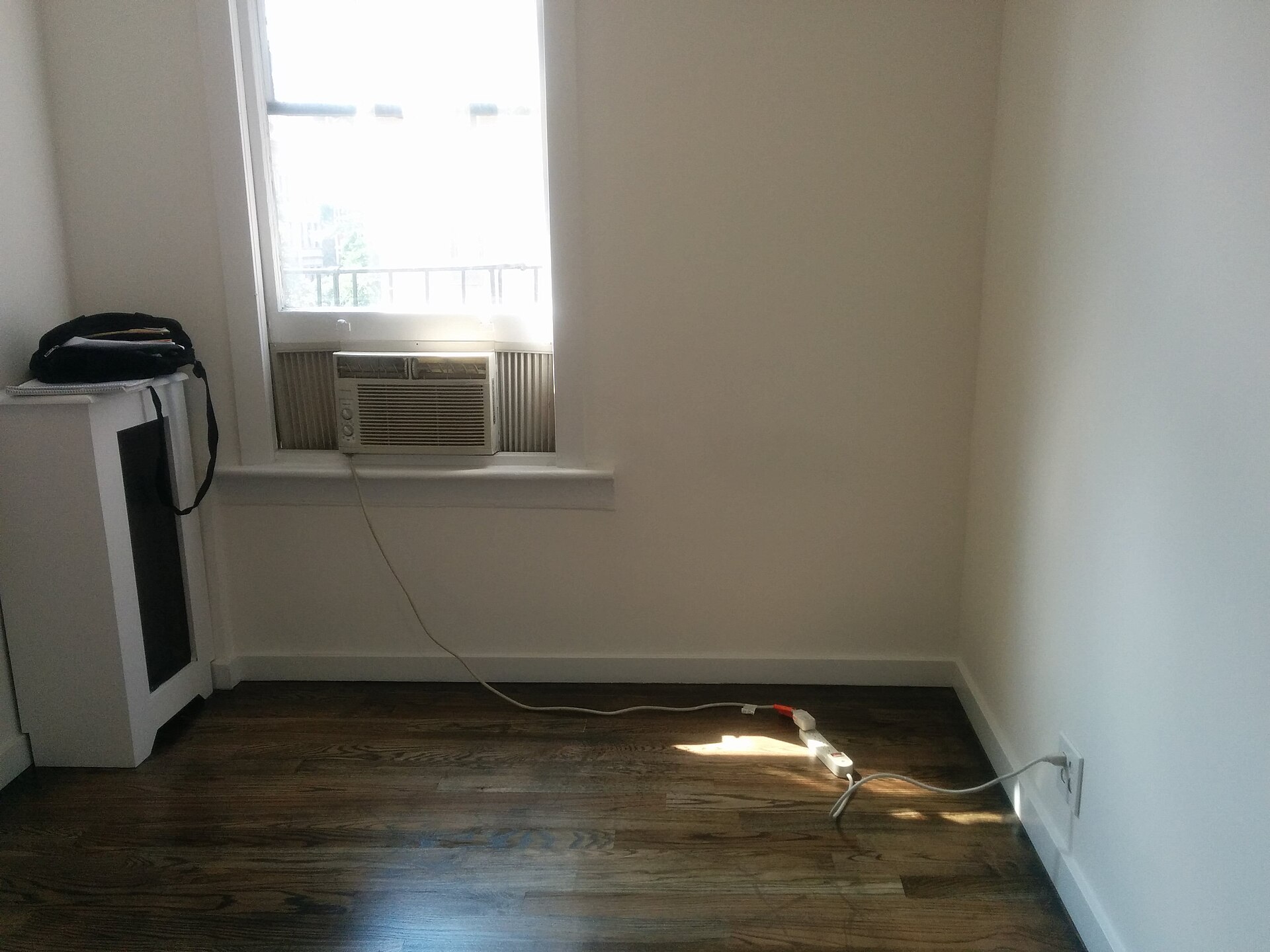
The ideal input: an empty, well-lit room shot straight on. Clean photos in, reliable previews out.
The workflow that actually works
Put it together and it is simple. Take a clean, straight, daylight photo of the room, cleared of clutter. Explore freely with a general AI restyle to find the style you love. Match that style to real products using brand visualizers so you have something you can actually order. Then, before you buy anything, get physical samples of your top two or three and live with them in the room for a few days, in morning and evening light. Only then commit.
Do that and the visualizer does its real job: it saves you from ordering an expensive floor you would have regretted, and it gets you to the right one faster.
What the visualizer will not tell you, but a fitter will
This is the niche part, the stuff that decides whether you are happy in two years, and no render knows any of it.
- A visualizer shows colour, never durability. For click vinyl (LVP), the number that matters is the wear layer: around 12 mil is fine for a quiet bedroom, but you want 20 mil and up for a hallway, a kitchen, or anywhere with a dog. For laminate, look at the AC rating instead: AC3 for a normal home, AC4 or AC5 if the floor takes real traffic.
- Plank direction changes how big the room feels, and no tool advises it. Run the planks parallel to the longest wall, or toward the main window, and the room reads longer and calmer. Lay them the wrong way and a small room feels choppier, even in the exact same product.
- Match undertones, not just colour. A cool grey floor under warm cream walls is the single most common pairing people regret. Hold your actual wall colour against the sample before you decide, because the visualizer flattens that clash.
- North-facing rooms cool every colour down. A warm oak that looks lovely on screen can read grey and flat in a room that never gets direct sun. This is exactly why the physical sample, viewed in that room morning and evening, overrules the render every time.
- Shoot straight-on, at chest height, so the visualizer maps the floor plane correctly. An angled phone shot is where the pattern smears and the scale goes wrong, which is the number one reason people say "the preview lied."
None of this shows up in a pretty render, and all of it is what a good fitter would tell you across a kitchen table. Use the visualizer to fall in love with a look, then use these five checks to make sure the look survives contact with your real room.
Questions people ask us
Can I see new flooring in my own room from a photo?
Yes. Upload a clear, straight-on photo of your room to an AI flooring visualizer and it swaps in different floors so you can compare them in your actual space. Use a clean, well-lit, decluttered photo for the most reliable result.
Are AI flooring visualizers accurate?
Accurate enough to shortlist, not to make the final call. They get the overall feel right but misjudge exact colour, sometimes scale, and can warp the floor near furniture and edges. Treat them as a comparison tool, then confirm with a physical sample.
What is the difference between a brand visualizer and an AI restyle tool?
A brand visualizer shows real products you can order, but only from that one manufacturer. A general AI restyle tool lets you preview any style in your room, but the result is a look rather than a specific buyable product. Using both gives you freedom and a purchase.
Do I still need a physical sample if I use a visualizer?
Yes, always. Screens cannot show true colour, texture or how a floor behaves in your room's light. Order samples of your top choices and live with them for a few days before committing to an expensive, hard-to-reverse purchase.
So the honest answer is that AI flooring visualizers are a genuinely useful way to see new floors in your room, as long as you know which type you are using and treat the result as a shortlist rather than a verdict. Explore with AI, match to real products, then let a physical sample in your own light make the final decision.
If you want the tool by tool version of this, with real screenshots of each one, we compared them in the best AI floor changer tools. For related tools, see our guides to the AI kitchen remodel visualizer and the best AI interior design tools. The two decisions that sit directly on top of a new floor are the rug and the wall colour, and both have the same split between what AI sees and what it cannot measure: AI interior design for rugs and AI paint colour visualisers.
Want to build room visualizers or design previews into how your business sells? Book a free call and we will map out where it pays off fastest.
Image credits: "9 Irving A hardwood floors living room" by Tomwsulcer, released under CC0; laminate flooring assembly by Wasrts, licensed CC BY-SA 4.0; "Empty apartment room with extension cord" by aismallard, licensed CC BY-SA 3.0, via Wikimedia Commons.