AI Kitchen Remodel Visualizer: See Your New Kitchen Before You Spend a Cent
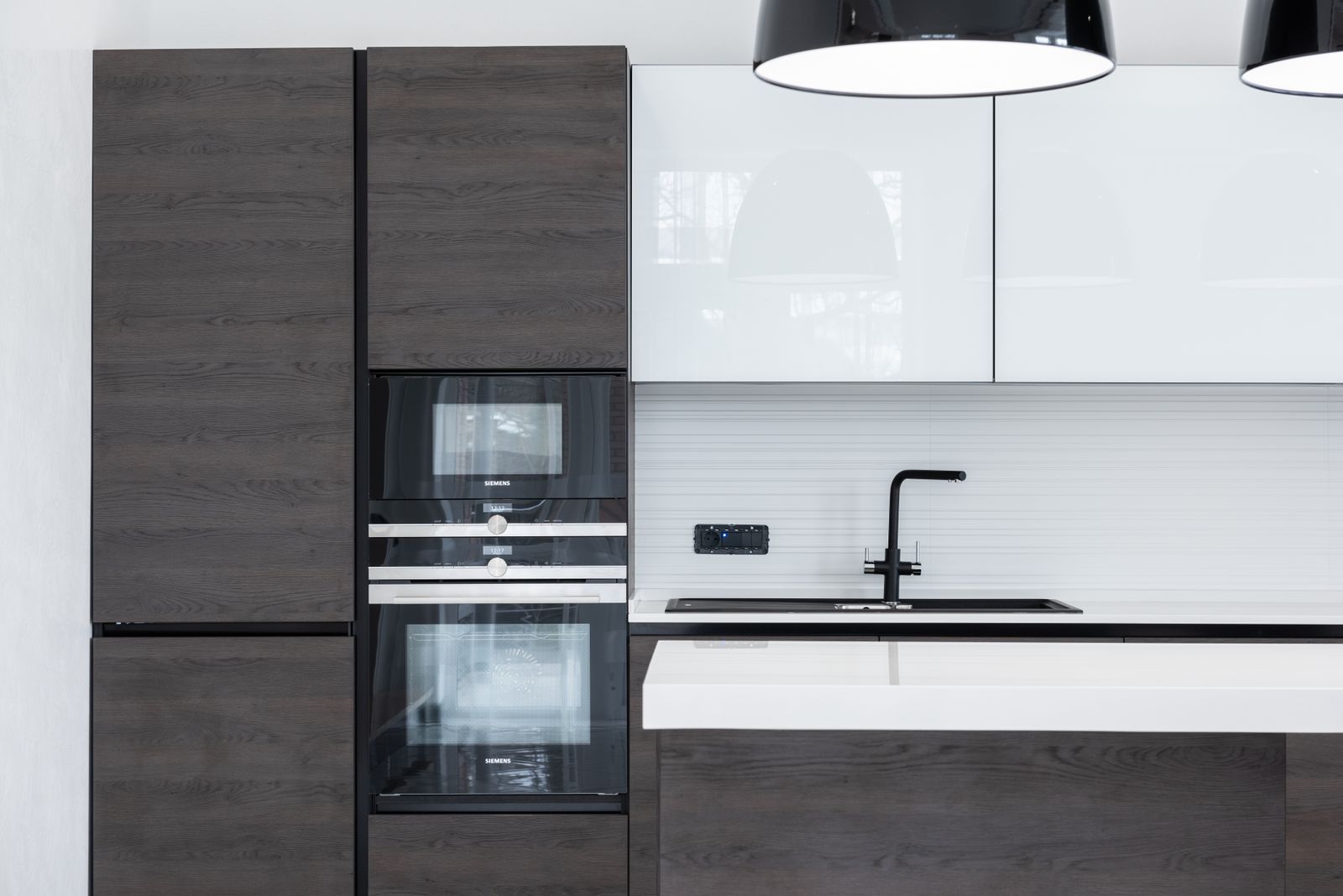
A kitchen is the most expensive room in the house to get wrong. National figures put the average kitchen remodel somewhere between 27,000 and 35,000, with bigger projects sailing past 75,000. And unlike a sofa you can return, once the cabinets are in, they are in. So the smart move is simple: see it before you commit to it.
That is exactly what an AI kitchen visualizer is for. Upload one photo of your current kitchen and you can test a new colour, a different cabinet style, a fresh worktop, or a whole new look, in seconds, before a single decision becomes permanent. Here is how to use it well, and where it stops being magic and starts being misleading.
What an AI kitchen visualizer actually does
Strip away the marketing and these tools do one core job: they take a photo of your kitchen and hand it back restyled. From a single image you can preview different cabinet colours and finishes, swap a worktop material, try a flooring change, test a darker or brighter palette, and see a few complete design directions side by side. If flooring is your main question, a dedicated AI flooring visualizer goes deeper on seeing new floors in your own room from a photo.
For the early "what would this even look like" stage, that is genuinely valuable. The hardest part of a kitchen decision is picturing it. A visualizer turns an argument about words ("warmer," "more modern") into a picture everyone can actually look at. Unlike an inspiration board on Houzz or a full layout planner like Planner 5D or the IKEA Home Planner, it works from a photo of your actual kitchen, so what you see is your room, not a generic showroom.
Why it matters most for a kitchen specifically
Cabinetry is the single biggest line in a kitchen budget, often somewhere between 30 and 50 percent of the whole project. That means the colour and style of your cabinets is the most expensive aesthetic decision in the house. Getting it wrong is not a paint tin, it is a five-figure regret.
This is exactly the decision a visualizer de-risks. Seeing your actual kitchen in three cabinet directions, against your actual walls and light, beats squinting at a showroom door sample and hoping. You are testing the biggest spend before you place the order.
| Project level | Typical cost | What it covers | Where a visualizer helps most |
|---|---|---|---|
| Minor refresh | 15,000 to 25,000 | Refacing, paint, worktops, hardware | Testing colours and finishes |
| Mid-range remodel | 30,000 to 50,000 | New cabinets, worktops, flooring, appliances | Choosing the cabinet style before ordering |
| High-end remodel | 60,000 to 100,000+ | Custom cabinetry, luxury finishes, layout changes | Comparing whole-room directions |
The bigger the project, the more a few minutes of previewing protects. A colour you regret on a minor refresh stings. The same mistake on a high-end remodel is a five-figure one.
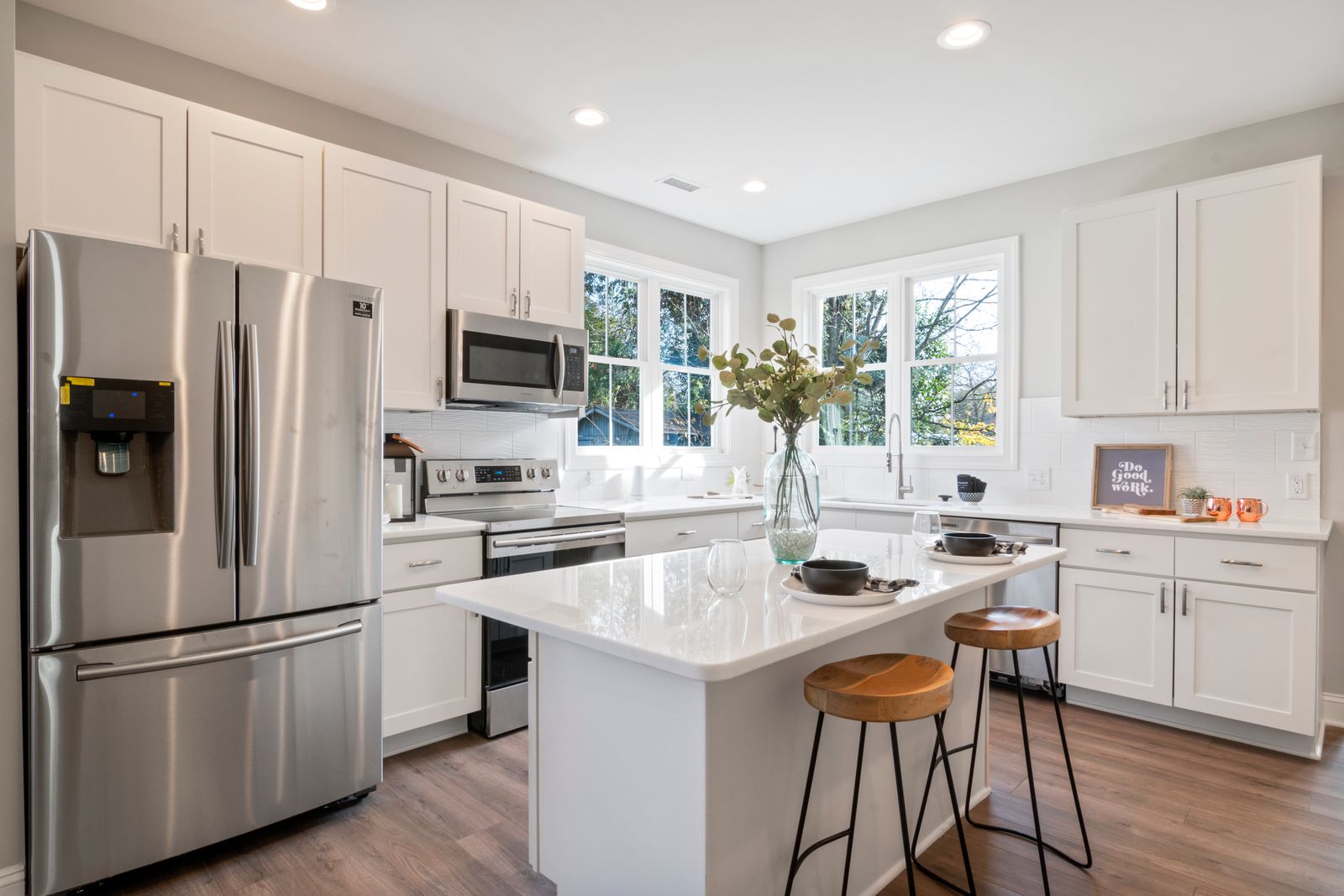
Cabinet colour and worktop are the decisions you live with for years. Seeing them in your own space, before the order goes in, is the whole point.
How to use it well
Treat the tool as a decision aid, not a finished plan. A few habits get far better results.
- Start with a good photo. Shoot the kitchen straight on, in daylight, with the counters reasonably clear. The cleaner the input, the more believable the output.
- Test directions, not details. Use it to choose between a few looks, light and airy versus warm and dark, not to pick an exact handle.
- Generate options to react to. Most people do not know what they want until they see what they do not want. Three versions tells you more than one.
- Use it to align the household. A picture settles a kitchen debate faster than a Pinterest board nobody agrees on.
- Bring it to your contractor. Walking in with a clear visual of the direction saves hours of back and forth and expensive mid-project changes of mind.
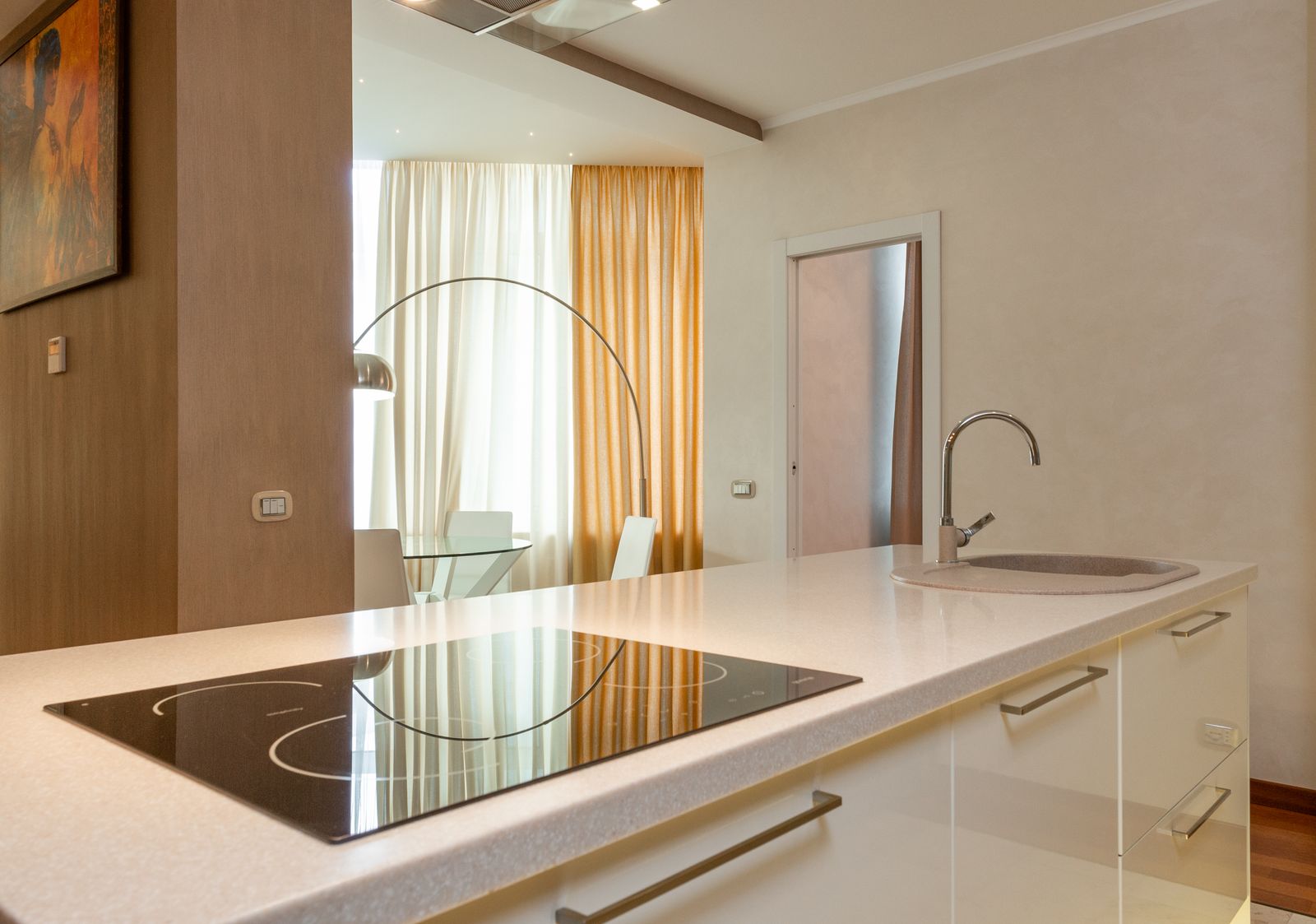
Try the big moves first: island or no island, light or dark, open or closed. The fine details can come later, once the direction is settled.
We built this kind of room restyling into our own product. MeltFlex AI turns a single photo into restyled rooms, cabinets, colours and finishes, which is the same approach this article describes, applied across a whole property.
Where it stops being useful
This is the part the app stores skip, and it is the part that protects your money.
An AI visualizer shows you a look. It does not give you measurements, it does not know your plumbing or your load-bearing walls, and it does not produce a buildable plan or a real quote. The beautiful island it draws might not fit your floor, and the finish it shows might cost ten times your budget or not exist at all. Ask for the same kitchen from another angle and many tools will quietly invent a different room.
So use it for the decision, not the construction. The output is inspiration you can hand to professionals, not a substitute for the kitchen designer who checks the dimensions and the contractor who builds it. If you want the honest rundown of which tools do what, our guide to the best AI interior design tools goes deeper.
Visualizing before you remodel saves the most expensive mistakes
The real cost of a kitchen project is rarely the materials. It is the changes. A cabinet colour you hate after install, a layout that feels wrong once the walls are open, a worktop that clashes with the floor you already bought. Every one of those is far cheaper to discover on a screen than on site.
There is an upside worth knowing too: a well-judged kitchen refresh is one of the better returns in home improvement, with minor remodels reported around 113 percent return on cost in recent industry data. Spending the money well, on the look that actually suits the space, is the whole game. Seeing it first is how you get there.
The win is not a prettier picture. It is a five-figure decision you make once, with your eyes open, instead of twice.
A note for estate agents and sellers
If you are selling rather than living in it, the same technology earns its keep a different way. Showing a tired kitchen's potential, or staging an empty one, helps buyers picture the space and can move a listing faster. We cover that properly in our guide to AI virtual staging for real estate, including the disclosure rules you have to respect.
Frequently asked questions
Can AI really redesign my kitchen from one photo?
Yes. A single straight-on photo is enough to test new cabinet colours, worktops, flooring and overall styles. What it cannot do is measure your space or produce a buildable plan, so treat the result as a visual to decide from.
Is an AI kitchen visualizer accurate?
It is accurate about the look and unreliable about dimensions, cost and what is physically possible. Use it to choose a direction, then let a kitchen designer and contractor handle the real measurements and quote.
Will the design it shows me be buildable?
Not necessarily. The tool draws what looks good, not what fits your plumbing, walls and budget. Always confirm the practical side with a professional before you order anything.
Can I use it to plan a new kitchen layout?
For a rough sense of a different layout, yes. For anything that moves plumbing, gas or a wall, you need real plans, not a generated image.
Is it worth using before spending tens of thousands?
That is exactly when it is worth it. The more expensive and permanent the project, the more a few minutes of previewing saves you from an expensive change of mind.
Sources and further reading
- Kitchen remodel cost guide for 2026 - typical price ranges by project scope.
- Cost vs Value remodel returns - industry data on what kitchen and home improvements return at resale.
Image credits: kitchen photos via Pexels, free to use.