Can You Turn a Room Photo Into a Video Walkthrough?
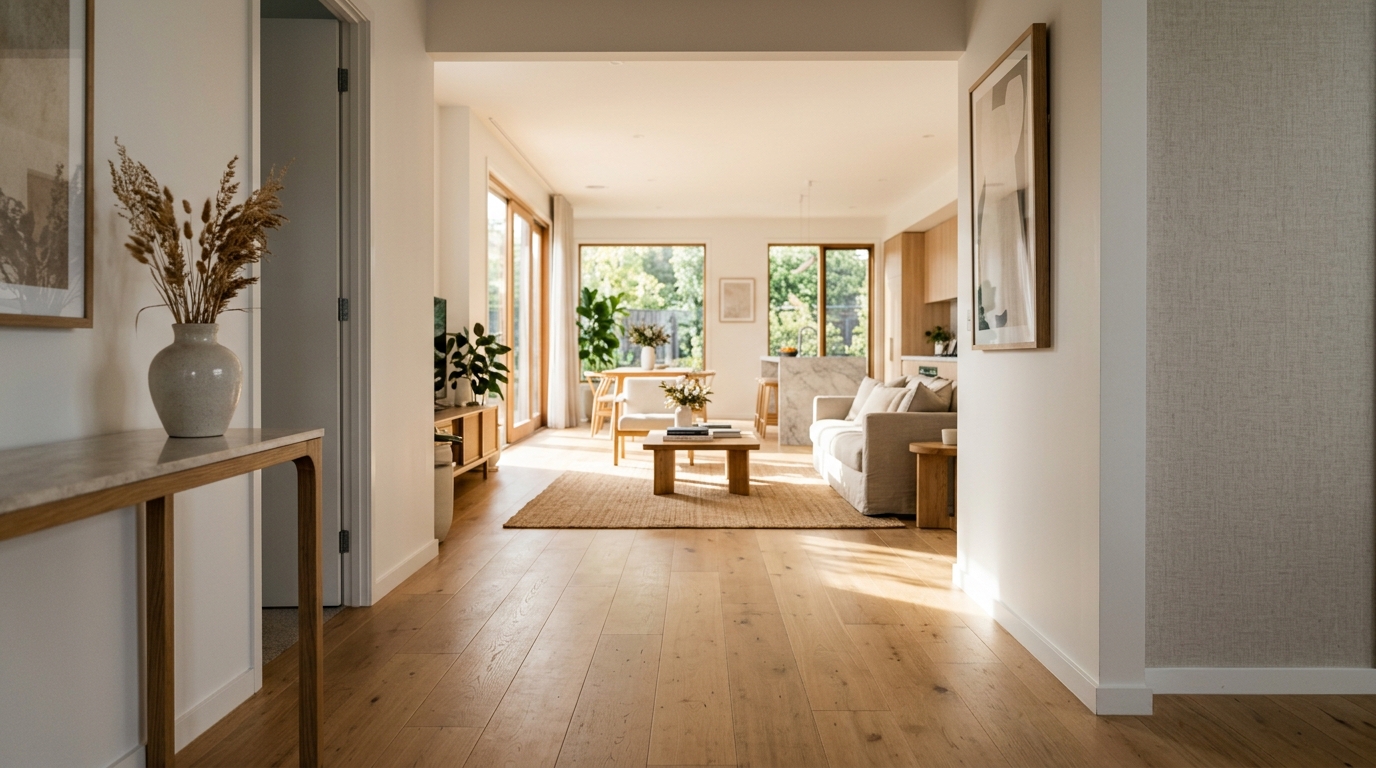
A still photo is a flat thing. It shows a room, but it does not let you feel the space, the depth, the way one room opens into the next. That is why a good property video, or a slow move through a rendered interior, holds attention in a way a gallery of photos simply does not.
The catch used to be that video meant a camera, a gimbal, and someone who knows how to use them. AI has quietly removed that. You can now feed it one still image and get back a short, moving clip, a gentle push through the room, or a drone-style flythrough of the whole building. Here is what that actually produces, where it genuinely helps, and the honest limits nobody puts in the demo.
One still image becomes a moving frame like this: a slow glide forward that gives a flat photo depth and life.
What "photo to video" actually does
The tool takes a single image and invents plausible motion for it. It reads the depth in the scene, then animates a camera move through that depth: a slow dolly forward into the room, a gentle pan, or a rise and drift for an exterior. The result is a short clip, usually a few seconds, that looks like a real camera was gliding through the space.
Two flavours cover most of what people want.
- Interior walkthrough: a smooth push through a room, or from one room toward the next, that gives a flat photo a sense of scale and depth.
- Aerial flythrough: a drone-style move over or around a building, the kind of shot that used to need an actual drone and a pilot.
Both start from a still. No camera, no rig, no shoot. That is the shift. Tools like MeltFlex AI generate this motion from a single still image, interior or exterior, without a camera on site.
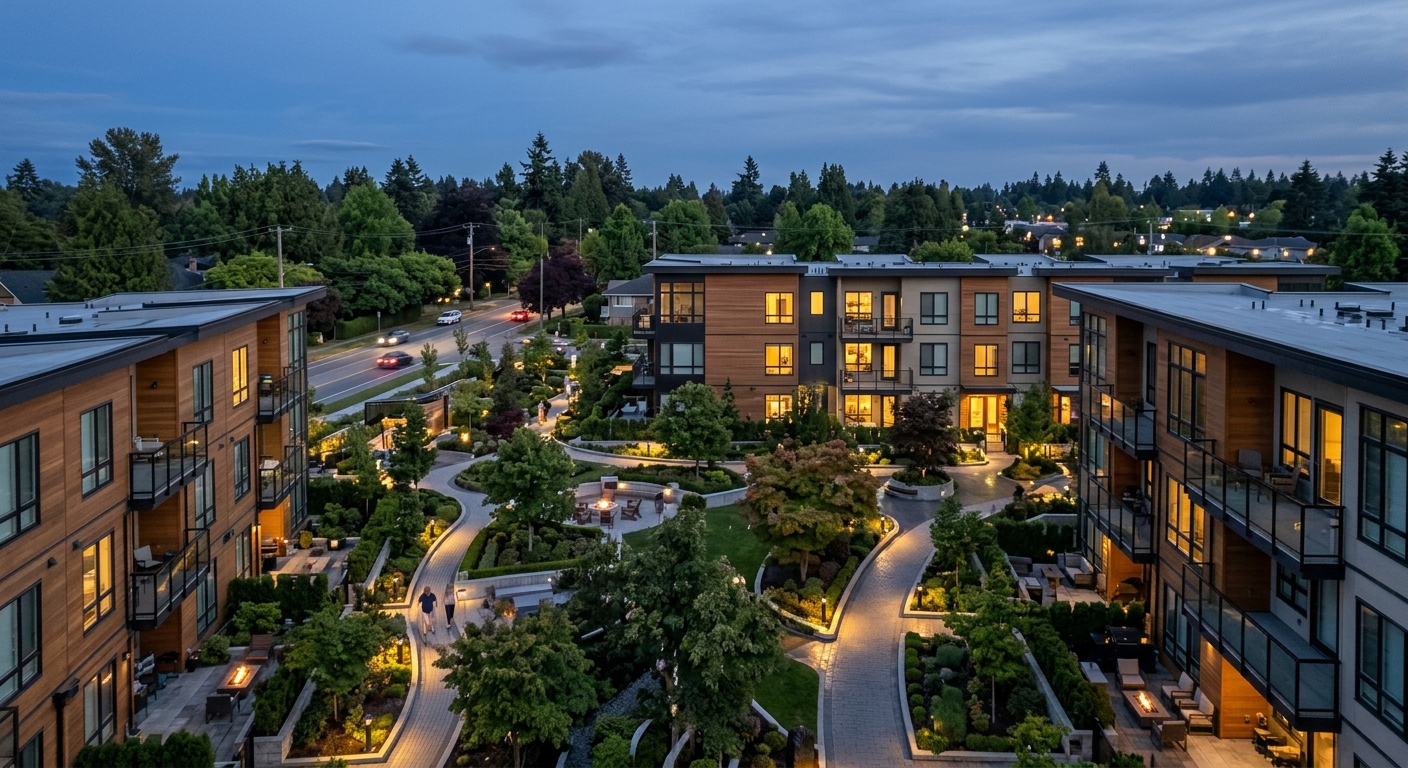
An aerial flythrough frame generated from a still. The kind of shot that used to mean booking a drone and a pilot.
Where it genuinely beats a static photo
Motion earns attention, and attention is the whole game in property and design marketing.
Listings that stop the scroll. On a feed full of static photos, a few seconds of smooth movement through a living room stands out. It gives a buyer the depth and flow a photo flattens, which is exactly what makes them stop and book a viewing.
Renders that feel real. A designer or developer can take a single rendered interior and set it moving, so a client feels the space instead of squinting at a flat image. It closes the gap between "here is a picture" and "here is what it will be like to walk in."
One asset, many uses. From one still you get a photo and a short clip, which feeds a listing, a social post, and a sales gallery without a separate video shoot for each one.
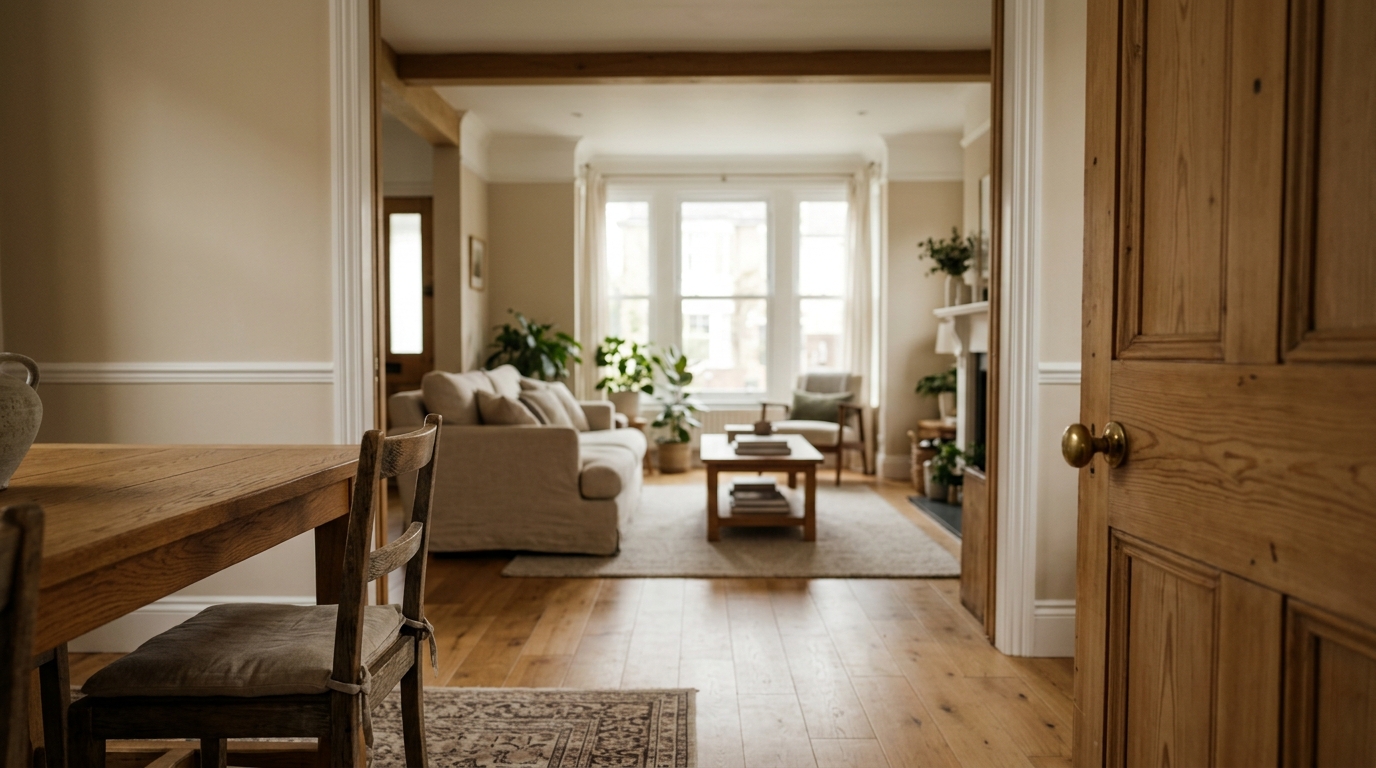
Layered rooms receding into soft focus, generated from a still. This is where the "feel of the space" comes from that a flat photo cannot give.
The limits, stated plainly
This is the part that keeps expectations sane, and it is the part the polished demos leave out.
It is not a true 3D tour. You cannot steer it, walk where you like, or look around freely the way you can in a real dollhouse-style tour. The AI is inventing one fixed camera move, not building a navigable model of the house. If a buyer needs to explore every corner on demand, that is a different tool.
Clips are short, and complex scenes can drift. A few seconds is the sweet spot. Push the motion too far, or start from a busy, cluttered, or awkwardly lit photo, and edges can warp or details can smear as the AI guesses at geometry it never really saw. Clean, well-composed input and a restrained camera move are what keep it looking professional rather than melty.
And the same honesty line as any edited property media applies: a moving clip generated from a render is a visualisation of a proposed space, not footage of a finished one, so say so when you use it in marketing.
So the workflow that works is disciplined: start from a strong, clean still, keep the motion gentle, generate a few short clips for the key views, and use them to add life, not to fake a full tour. Used that way it is a genuine edge. Oversold as a Matterport replacement, it disappoints.
A few seconds of honest motion beats a shaky minute of AI guessing. Keep it short, keep it clean, and it looks like a real camera.
Questions people ask us
Can AI really turn one photo into a video?
Yes. It reads the depth in a single still and generates a short clip with a believable camera move through the scene, so a flat photo becomes a few seconds of smooth motion. No camera or shoot is needed. MeltFlex AI does this for interiors and exteriors.
Is an AI video walkthrough the same as a 3D virtual tour?
No. A 3D tour lets a viewer steer and explore freely. An AI video is a single, fixed camera move that you watch, not navigate. It adds life and depth, but it does not let a buyer wander the house on demand.
How long are AI-generated walkthrough clips?
Usually a few seconds per view. Short is where it looks best. Longer moves and complex scenes are where edges start to warp, so the professional approach is several short, clean clips rather than one long one.
Can I make a real estate video from listing photos with AI?
Yes, and it is one of the strongest uses. A few seconds of motion through key rooms makes a listing stand out against static galleries. Start from your best, cleanest photos and keep the camera move gentle for a polished result.
What makes an AI walkthrough look bad or fake?
Cluttered or badly lit input, and too much camera motion. When the AI has to guess at geometry it cannot see, edges smear. A clean, well-composed still and a restrained move are what keep it looking like real footage.
So the honest answer is yes, you can turn one room photo into a video walkthrough, and it is a real edge for listings and design presentations. Just hold it to what it is: a few seconds of beautiful, invented motion, not a tour you can steer. Keep it short and clean, and it does the job a static photo never could.
Video is the moving end of a photo-first workflow. The same single photo can also place real, buyable furniture in a room or redesign a home's exterior. For a wider view of the medium, see our guide to AI video generators.
Want to build photo-to-video walkthroughs into how your team markets property or presents design? Book a free call and we will map out where it pays off fastest.