The Best AI Video Generators in 2026: Sora, Veo, Runway & Kling Compared
AI video is the fastest-moving corner of the whole field right now. A year ago the clips were short, melty, and obviously fake. In 2026 the best AI video generators produce shots with believable motion, native audio, and 4K output. They are good enough that the question is no longer "does it look real" but "which one fits what I am making."
As usual, most "best AI video generator" lists are affiliate roundups where every tool is a masterpiece. They also age badly, because this space changes monthly. So before anything else, one piece of timely, important context.
We build AI systems for businesses, so we care about which tool you can actually rely on for a project, not which one wins a cherry-picked demo reel.
The models are cinematic now. The catch is consistency, control, and not betting on a tool that is being switched off.
Important: Sora's availability is changing
If you are planning anything long-term, know this first. OpenAI announced in March 2026 that the Sora web and app experiences will be discontinued on April 26, 2026, with the API following on September 24, 2026. Sora 2 Pro still produces some of the most photoreal clips out there when you give it a rich prompt, but a tool with a known end date is not a safe foundation for an ongoing project. Use it for one-off experiments if you like. Just do not build a pipeline on it.
That single fact reshuffles the rankings, because the safest picks are the ones that will still be here next quarter.
The best AI video generators in 2026
Google Veo 3.1: the strongest all-rounder
If you want one tool that does most things well, start with Veo 3.1. It leads on prompt adherence, generates native audio, and outputs 4K in both landscape and portrait. For narrative scenes, establishing shots, and "just make this look good without a fight," it is the safest default in 2026.
Runway Gen-4.5: for creative control
Runway is the pro favourite when you need to direct, not just generate. Camera moves, motion brush, reference-driven character consistency, and a built-in editor make it the strongest pick for marketers and motion designers who need a specific result rather than a happy accident. Gen-4 Turbo also keeps iteration fast.
Kling 3.0: for cinematic motion
Kling matches the top tier on cinematic lighting and handles the genuinely hard stuff like hair, fabric, and liquids convincingly. Its multi-shot storyboard mode, with synced audio across cuts, makes it strong for anything that needs to feel like a sequence rather than a single clip.
Pika: for social creators
Pika is the most fun for short-form social. Its effects and lip-sync features (Pikaffects, Pikaswaps, Pikadditions and friends) are built for the kind of punchy, remixable clips that do well on social feeds. Less filmmaking, more "make something scroll-stopping fast."
Honest take: there is no single best AI video generator in 2026. Veo for all-round quality, Runway for control, Kling for cinematic motion, Pika for social. Pick by the job.
How to choose the right one
Do not start with the tool. Start with the output.
Ask what you are actually making. A 6-second social clip, a 30-second product ad, and a narrative sequence are three different jobs that reward three different tools. Ask how much control you need, because if the exact camera move and a consistent character matter, Runway earns its place, and if you just need a great-looking shot, Veo is faster. Ask whether you need sound baked in, since native audio saves a whole editing step. And ask how long this needs to keep working, because as noted above, a tool with an end date is fine for a test and wrong for a pipeline.
The models replace a lot of the shoot. They do not yet replace knowing what a good shot looks like.
Where AI video generators still fall short
This is the part the roundups skip.
Character and object consistency across multiple shots is still the hardest problem. Keep the same person looking the same across five clips and most tools start improvising. Fine detail like hands, text, and complex physics can still glitch. Precise control is limited, so you are steering, not directing frame by frame. Clips are short, so longer pieces mean stitching and editing. And the space moves so fast that today's best tool may be eclipsed, or, like Sora, sunset, within months.
The teams getting value treat AI video as an extremely fast way to generate raw footage and rough cuts, then bring human editing and judgement on top. It is a B-roll machine and a concept engine, not a finished film studio.
Turning a generator into a workflow
One clever video app is a toy. A connected workflow is an advantage.
The slow part is rarely the generation. It is the briefing, the versioning, and getting clips out the door in the right format.
A pattern that works for marketing teams looks like this. The brief comes in once, whether that is a product, a campaign, or a content slot. Prompts and shot lists get assembled from it automatically. Clips generate in batches. A human picks and lightly edits the keepers. And the finished videos flow into your scheduler or ad platform, correctly sized for each channel.
That last step is where the hours disappear. Not in generating the clip, but in the briefing, the resizing for five aspect ratios, the captioning, and the "who posts this where."
Where MeltFlex Solutions fits in
We do not sell a single video app. What we build is the connected system that ties these tools into how a business actually runs.
For a marketing team, that might mean turning a campaign brief into a batch of platform-ready video variations without anyone hand-prompting each one. For an e-commerce brand, it might mean generating short product clips straight from your catalogue, sized and captioned for every channel.
The tools in this article are the raw material. The advantage is in how you wire them together, and that is what we design and deploy. Our MeltFlex AI case study is one example, where a single photo becomes a styled room and a short video walkthrough.
Questions people ask us
What is the best AI video generator in 2026? For all-round quality, Google Veo 3.1. For creative control, Runway Gen-4.5. For cinematic motion, Kling 3.0. For social clips, Pika. There is no single winner, so choose by the job.
Is Sora still worth using? Sora 2 produces excellent clips, but OpenAI is discontinuing the apps in April 2026 and the API in September 2026. It is fine for one-off experiments, but do not build a long-running workflow on it.
Can AI generate video with sound? Yes. Veo and Kling generate native audio, which removes a whole editing step. Many others still produce silent clips you score separately.
Are AI video generators free? Most offer limited free generations or trials. Higher resolution, longer clips, commercial licences, and faster queues sit behind paid plans, and terms vary, so check before publishing commercially.
Can AI video replace a production team? For B-roll, concepts, social clips, and rough cuts, it already removes a lot of work. For anything needing precise direction, consistent characters, or real craft, a person still wins. The smart move is to combine them.
So that is the honest version. The tools are genuinely cinematic now, but the win is not the clip itself. It is what you build around it, and not betting the pipeline on a tool that is being switched off.
Want to turn AI video into a system that produces channel-ready clips on autopilot? Book a free call and we will map out where it pays off fastest.
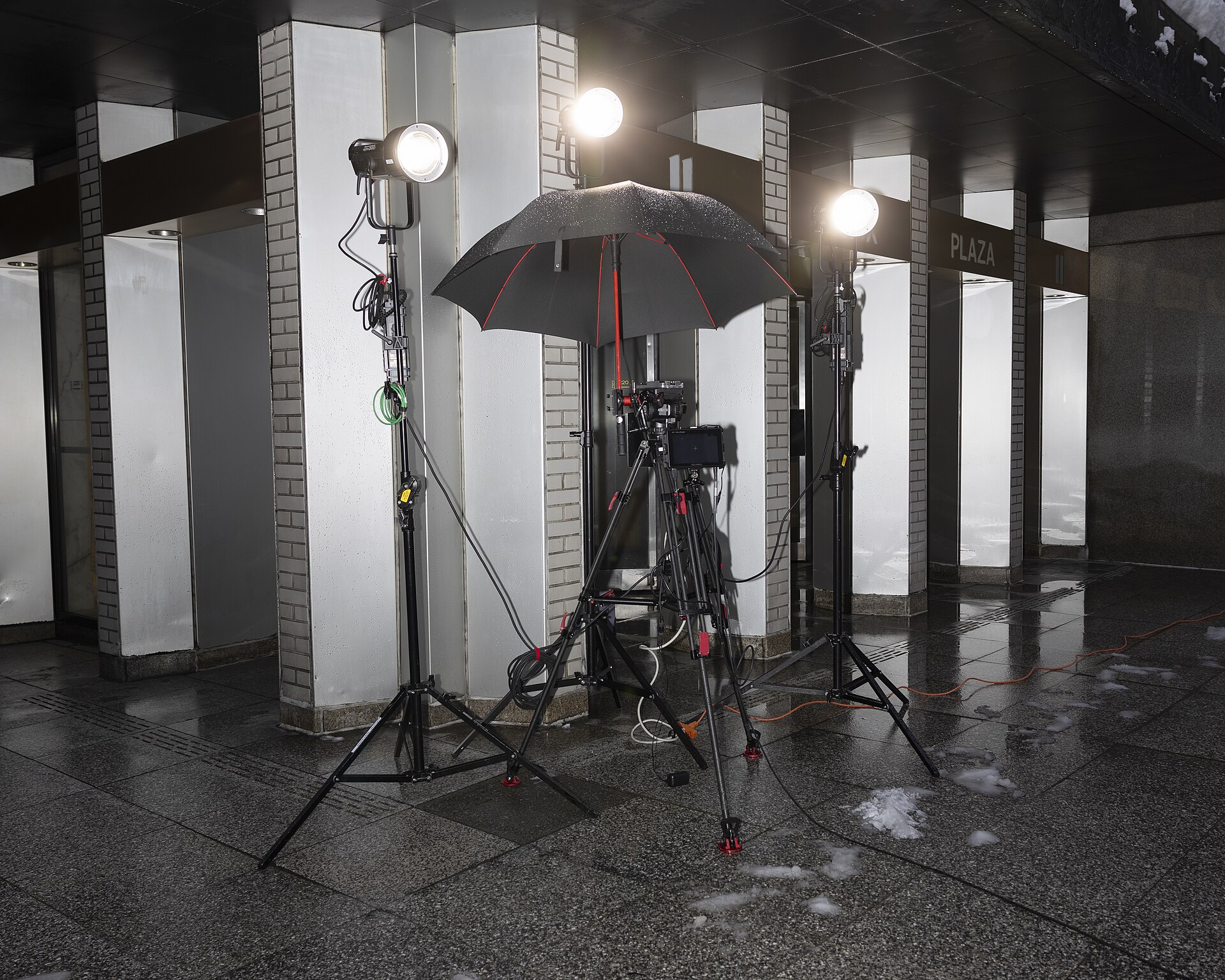
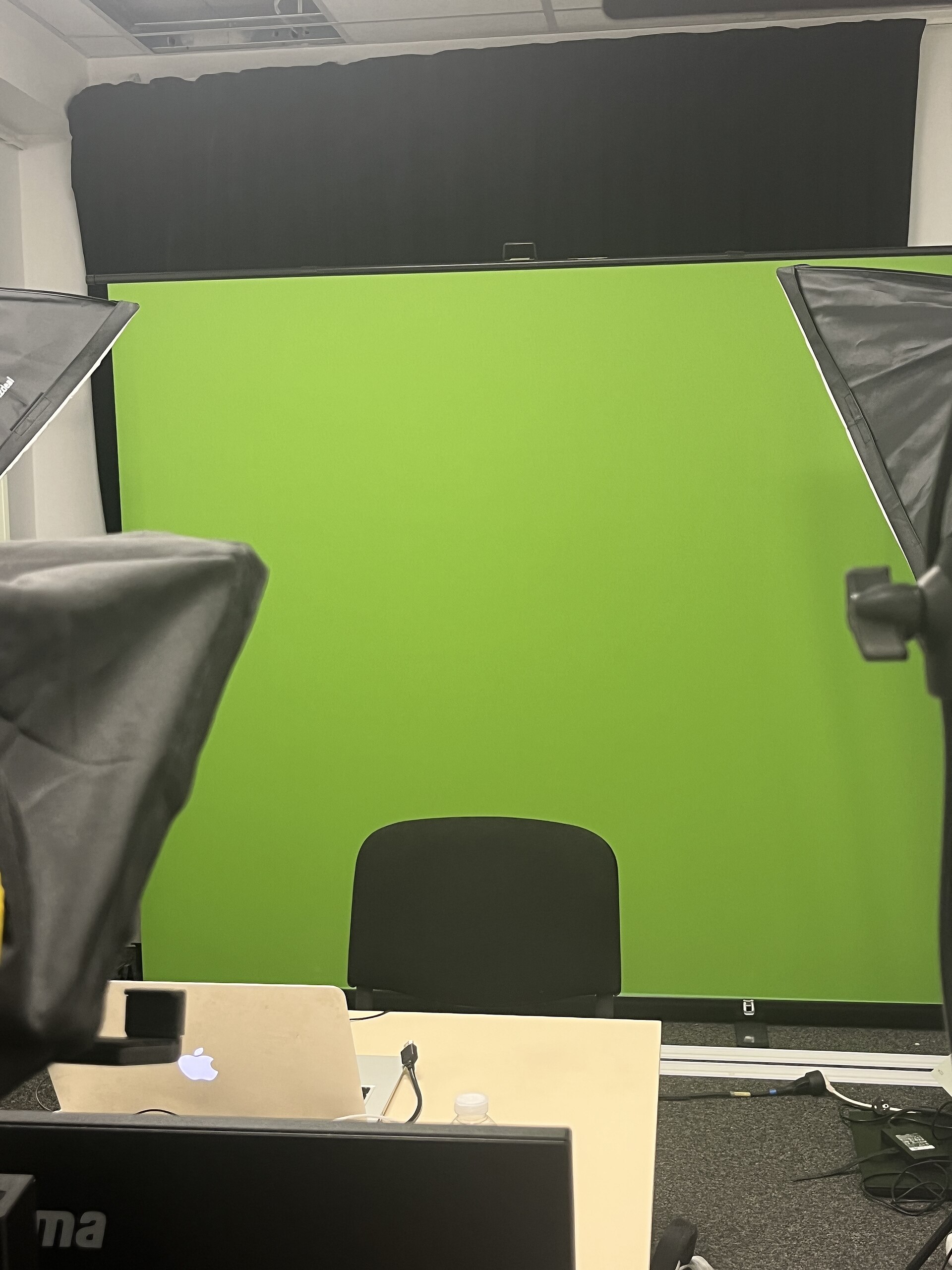
Image credits: camera rig photo by Tessa Bury, via Wikimedia Commons, licensed under CC BY 4.0. Video studio photo by Benoît Prieur, via Wikimedia Commons, CC0.