AI Interior Design for Airbnb Hosts: Book More Nights
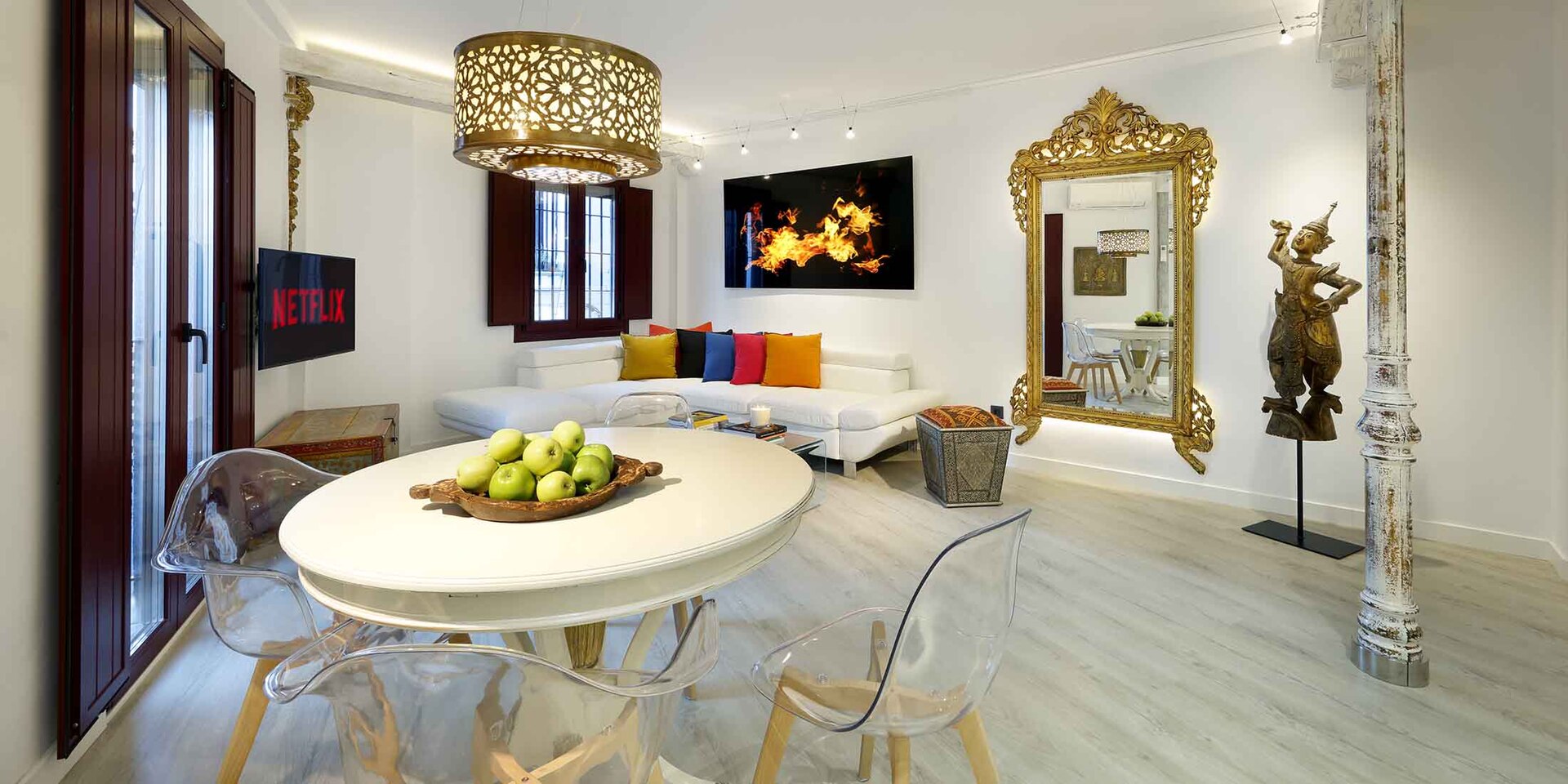
For a short-term rental host, the space is the product. Two units on the same street, same price, same location, and the one that looks warmer and more thought-through in the photos wins the booking. So the question hosts ask us is fair: can AI interior design help me get there faster and cheaper?
Yes, but with a line you cannot cross. AI is brilliant for deciding how to fit out and refresh the real room. It is dangerous the moment you use it to show guests a room that does not exist. Get that distinction right and it is one of the best planning tools a host has.
A short-term rental lives or dies on how the space feels in photos. AI helps you plan that feel before you spend on furniture, not fake it afterwards.
Where AI genuinely helps a host
The value is in the decisions you make before the money leaves your account.
Fitting out a new unit without guessing. Before you buy a sofa, a bed frame and a rug for an empty flat, you can see the room styled several ways and pick the direction that photographs best. A fit-out is thousands of pounds. Testing it for free first is an obvious win.
Refreshing a tired listing. Bookings dip when a space starts looking dated. You can preview a refresh, a new palette, different textiles, a cosier evening look, and decide whether the spend is worth it before you commit to a single order.
Getting a video from a still. A few seconds of motion through the living room stops the scroll in a way a static gallery cannot. AI can generate that clip from one good photo, which is a real edge on a crowded listings feed. We cover this in our guide to turning a room photo into a video walkthrough. MeltFlex AI is one of the tools that does this, interior or exterior, from a single still.
The line you cannot cross
This is the part that separates hosts who use AI well from hosts who get burned by it.
A guest books off your photos and then physically stands in the room. If your listing showed an AI-invented sofa, cushions and art that are not there, the gap between the photos and reality is the first thing they feel, and it is the first thing they write about. Platforms also require your photos to represent the actual space, and "misleading photos" is a category of complaint that hurts your ranking and your Superhost status.
So the rule is simple. AI-styled images are for you, to decide what to build. The photos you publish must be of the room as it actually is, once you have built it. If you use any AI enhancement on a live listing photo, keep it honest: better light, a tidier frame, straightened lines, not invented furniture.
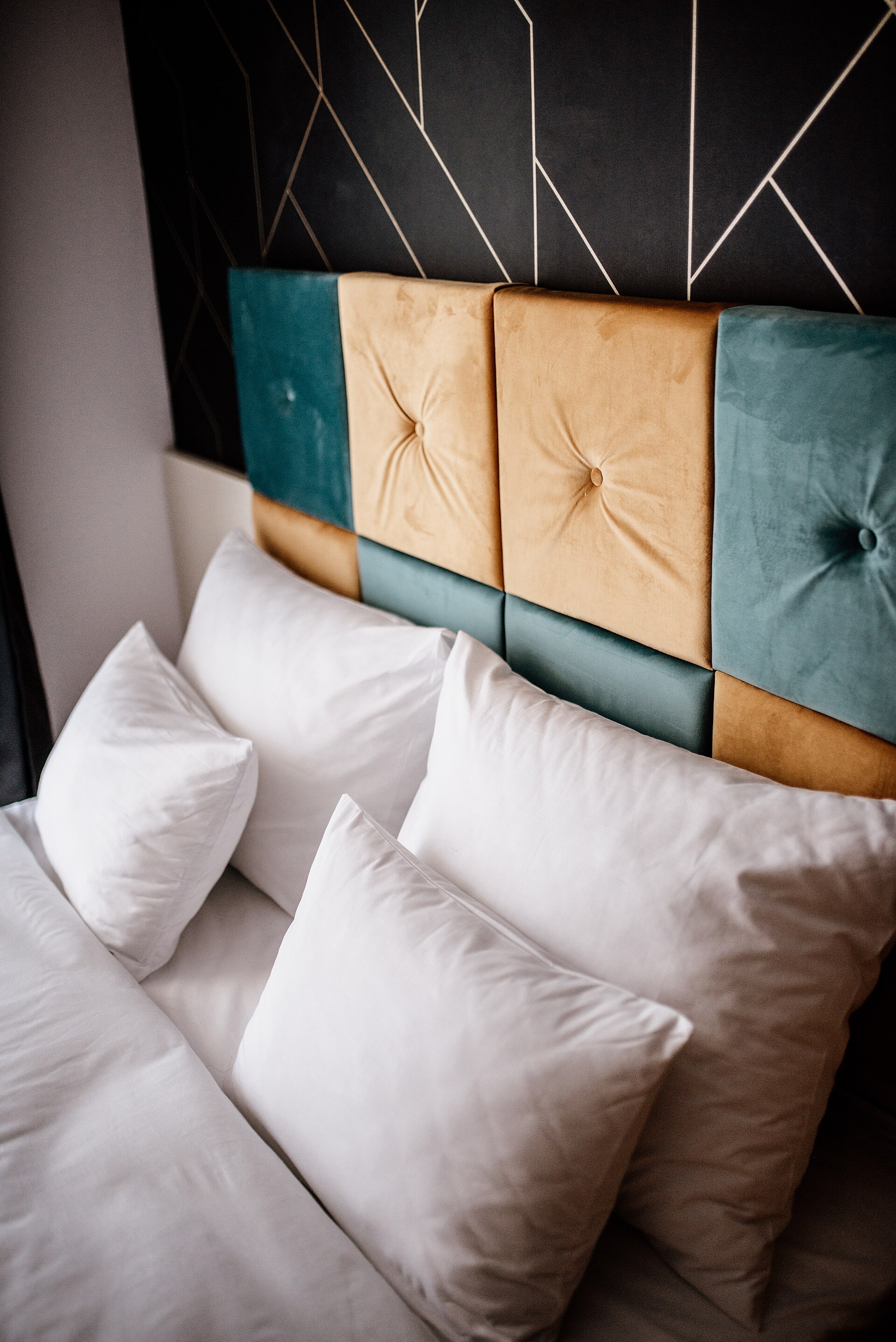
Use AI to design a bedroom like this, then actually furnish it that way, then photograph the real thing. That sequence keeps you honest and your reviews high.
The limits worth knowing
Beyond the honesty line, the tools have plain technical limits.
Invented, unbuyable furniture. A standard restyle shows shapes the model dreamed up, not products you can order. For a host who has to actually buy the furniture, that is a gap. Tools that place real, orderable pieces in the photo are far more practical, because your plan becomes a shopping list. See placing real furniture you can actually buy.
No sense of your real dimensions. The AI does not know the room is small, so it will show a layout that would never fit. Always sanity-check against a tape measure before you buy for the space.
It does not know what guests actually need. A render cannot tell you that guests want a kettle they can find, blackout blinds, and somewhere to put a suitcase. Styling wins the booking; function wins the review. AI helps with the first and has nothing to say about the second.
Design the room with AI. Furnish the real thing. Photograph what is really there. Skip a step and you trade a few nights of bookings for a review that costs you months.
The honest host workflow
Put together, it looks like this. Photograph the empty or current room in good light. Generate a few styled directions and choose the one that both photographs well and suits how guests actually use the space. Translate that render into a real furniture list, checking sizes against the room. Buy, fit out, and then take proper photos of the finished, real room. If you want motion, generate a short walkthrough clip from your best still and add it to the listing.
That sequence gives you the upside of AI, faster and cheaper decisions, without the downside that quietly wrecks your ratings.
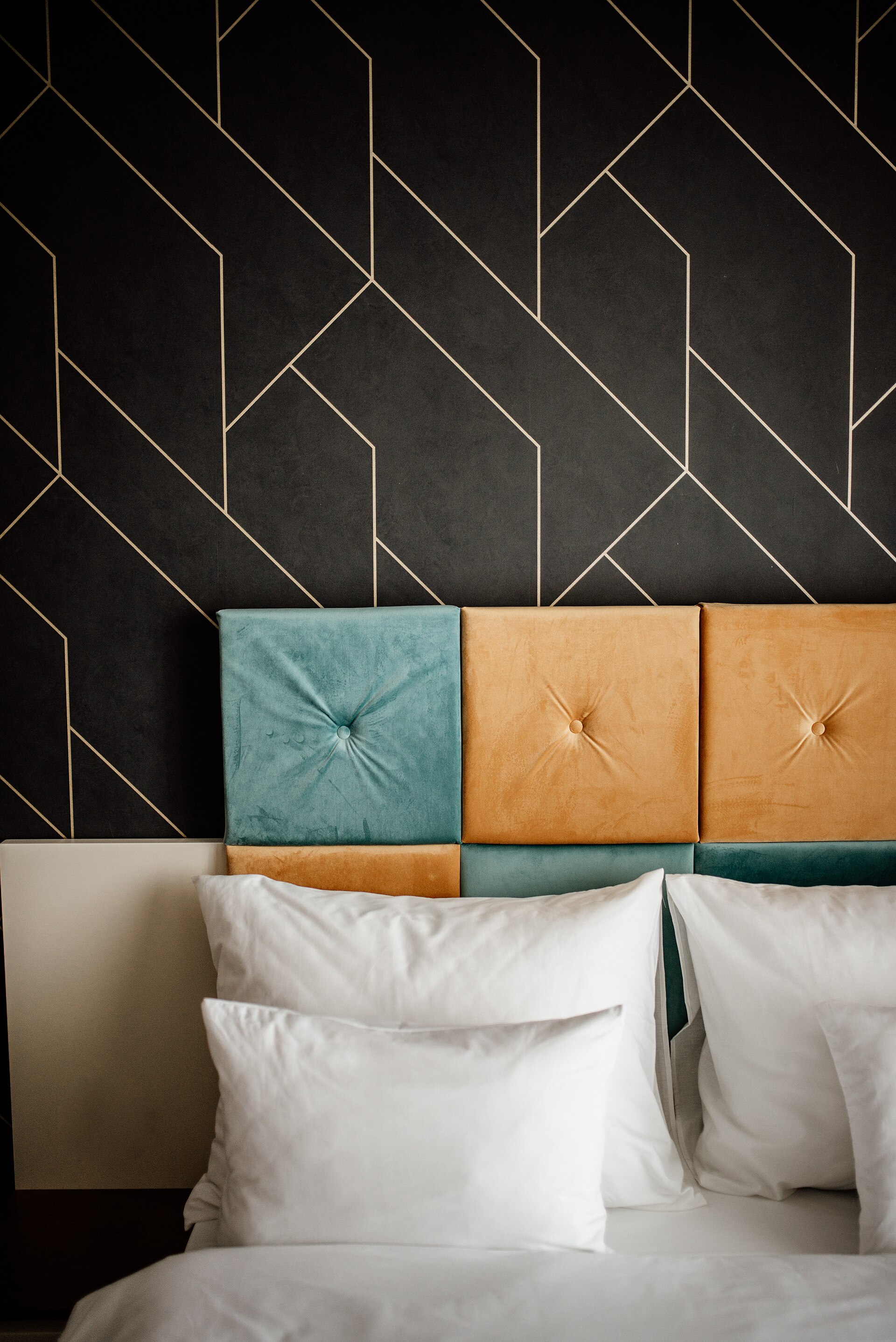
A distinctive, well-styled room is what makes a listing memorable. Plan the look with AI, build it, then let real photos of it do the selling.
Design for the thumbnail, not the room
Here is the niche truth most host advice skips: nobody books your whole flat. They see a hero photo, swipe two more, and decide. So you do not need to design every corner to magazine standard. You need one photographable "hero corner" per room, and that is exactly what AI lets you test before you spend.
A few specifics that pay for themselves:
- Spend the budget on the hero corner. A made bed with layered textiles, one piece of art at eye level, a plant, and a warm lamp will out-photograph a fully but blandly furnished room. Test that corner as an AI restyle before you buy the pieces.
- Bulb temperature decides the mood of every future photo. Warm bulbs at 2700K to 3000K read cosy and inviting; cool white at 4000K and up reads like a dentist's waiting room. It is a one-pound swap that changes every photo you will ever take of the space.
- A mirror opposite a window makes a small room read bigger in a wide shot, which is where AI previews earn their keep: you can test the placement before you drill a single hole.
- Know the platform rule you are designing around. Airbnb's content policy requires listing photos to represent the actual space, and misrepresentation complaints hit both your reviews and your ranking in search. So the loop is always the same: design the real hero corner with AI, build it, photograph what is genuinely there.
Get this right and a modest, well-planned unit out-books a bigger, blander one, because it wins the only competition that matters, the swipe on the thumbnail.
Questions hosts ask us
Can I use AI-designed photos on my Airbnb listing?
Use them to plan, not to publish. Your live listing photos must show the room as it really is. Furnish the space to match your AI design, then photograph the real result. Publishing AI-invented furniture that is not in the room misleads guests and hurts your reviews and ranking.
How can AI interior design save a host money?
By letting you test a fit-out or refresh before you buy anything. Seeing a room styled several ways for free means you commit to furniture and colours you have already watched work, instead of guessing with thousands of pounds of stock.
Can AI make a video tour for my rental?
Yes. AI can turn a single good photo into a short walkthrough clip with believable camera motion. It is short and best kept gentle, but a few seconds of movement helps a listing stand out against static galleries.
Will AI show furniture I can actually buy?
Not in a plain restyle, where the furniture is invented. Choose a tool that places real, orderable products in your room photo if you want your design to double as a shopping list for the fit-out.
So the honest answer for hosts is that AI interior design is a strong planning ally and a terrible faking tool. Use it to design a space guests will love, build that space for real, and let honest photos of the finished room do the selling. That is how you win bookings and keep the reviews that make them repeatable.
For the bigger picture on staging property with AI, see our guide to AI virtual staging for real estate. And if the unit you are styling is a loft with angled walls, the room type guests love and AI mangles most, see AI interior design for sloped ceilings and attic rooms.
Want to build AI planning and listing tools into how you run your rentals? Book a free call and we will map out where it pays off fastest.
Image credits: apartment interior by Artchapiz, licensed CC BY-SA 4.0; "Modern bedroom design" by Shixart1985, licensed CC BY 2.0; "Stylish bedroom interior with a unique headboard design" by Shixart1985, licensed CC BY 2.0, via Wikimedia Commons.