AI Interior Design for Renters: Preview Before You Commit
Renting comes with a quiet frustration. You can see that the room could be lovely, but you cannot knock down a wall, you often cannot paint, and anything you buy has to survive the next move or get sold at a loss. So you live with beige, or you spend a weekend and a few hundred on cushions and a rug and hope it works.
This is exactly the problem AI interior design is good at. Not because it designs the room for you, but because it lets you see the room restyled before you commit to a single purchase. For a renter, "see it first" is worth more than any clever furniture, because the cost of getting it wrong lands on you and nobody else.
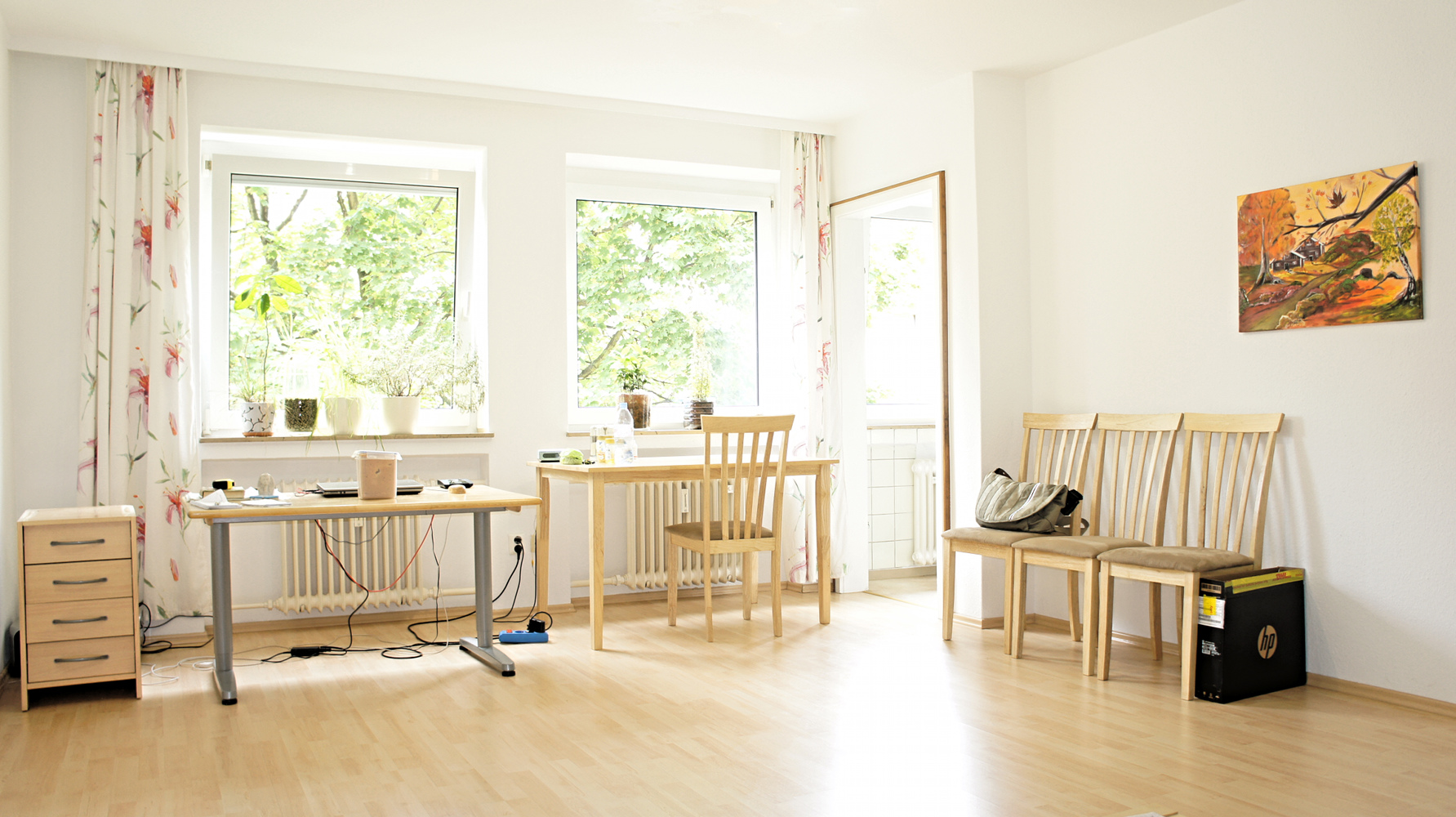
A typical rental: good bones, plain finish, and rules about what you can actually change. This is the room AI is best at reimagining.
Why AI suits renters better than owners
An owner can rip out a kitchen. You cannot, and that limit is secretly an advantage when you use AI.
Most AI restyle tools are at their most reliable when they keep the layout fixed and only change the surface: the sofa, the colours, the textiles, the mood. That is precisely the box a renter lives in anyway. You are not moving the radiator or the built-in wardrobe, so the thing AI does worst, inventing new architecture, is the thing you did not want it to do.
The two rooms where that box bites hardest are the bedroom, where the bed is the largest thing you own and the sockets are wherever the landlord left them, and the desk corner, where you cannot move a socket to suit a screen. Both are worked through in AI bedroom design and whether the bed fits and AI home office design.
So you feed it a photo of the room as-is, and you ask for the same room, restyled. Warm minimal. Scandinavian. A darker, cosier evening version. In seconds you have five directions to react to, and reacting is far easier than imagining from a blank wall.
What it genuinely helps you decide
The value is not the pretty picture. It is the decisions the picture lets you make before you spend.
What to buy versus what to skip. Seeing the room with and without a big rug, or with a lighter sofa, tells you fast whether the purchase earns its place. A lot of renter money is wasted on things that looked good in a shop and wrong in the actual room.
Whether a colour scheme survives your light. You cannot repaint on a whim, but you can test whether warm woods or cool greys suit the room before you commit your removable, deposit-safe choices, like curtains, throws and lamps, to one direction.
Layouts you had not pictured. Even with fixed walls, there is usually more than one way to arrange a small space. Seeing two or three versions side by side is quicker than dragging real furniture around and pulling your back.
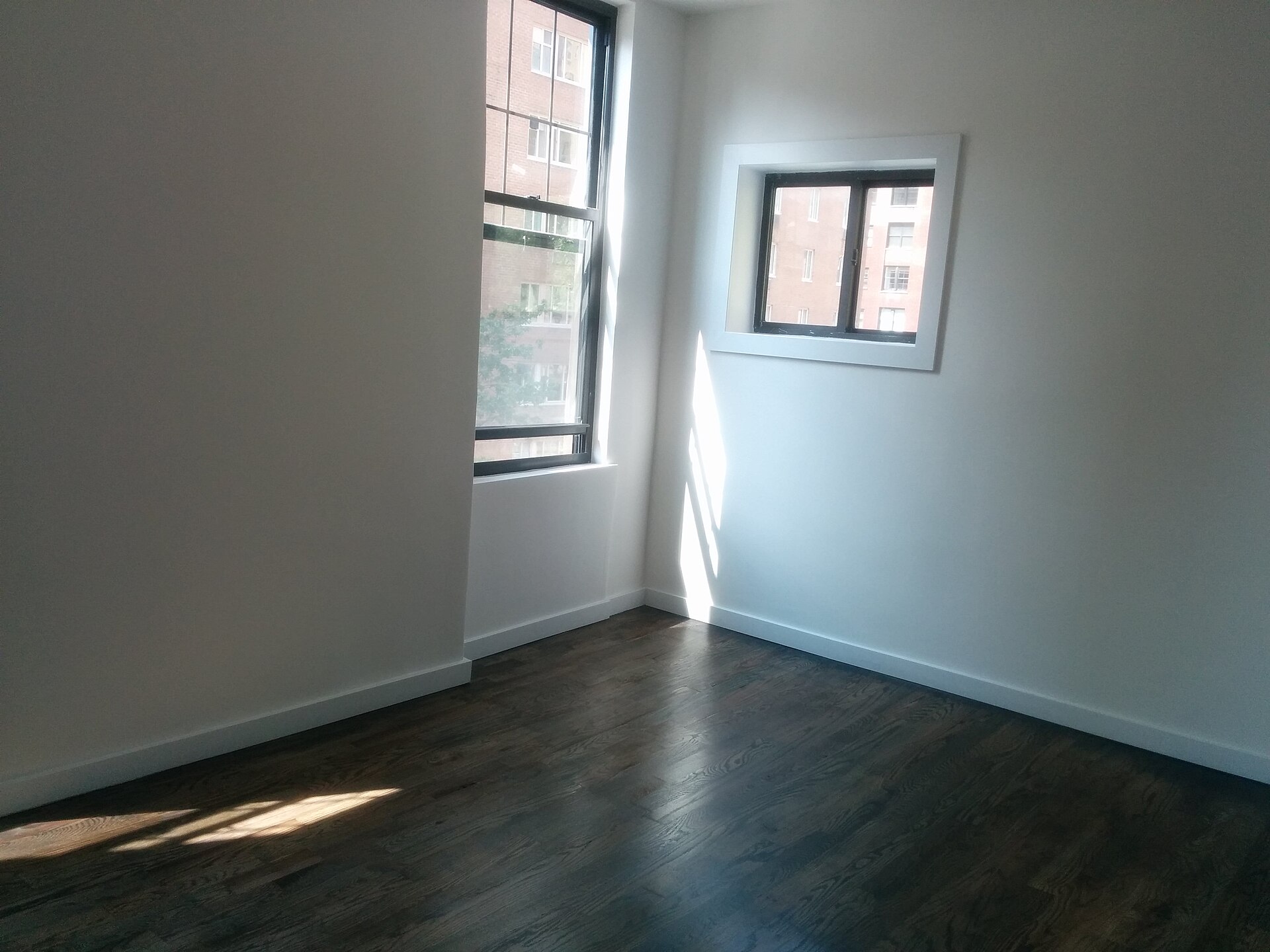
Start from the room as it really is, empty and honest. The blank version is the input the AI restyles, so a clean, well-lit photo gives you the best result.
The limits, stated plainly
This is the part the app store reviews leave out, and it is the part that keeps you from wasting money.
The furniture is not real. The gorgeous sofa in the render does not exist as a product you can order. It is a shape the model invented. So a restyle tells you a direction, not a shopping list. Some newer tools close this gap by placing real, buyable furniture in your photo, which is far more useful for a renter, because a direction you cannot buy is just a nice feeling. We go deeper on that in our piece on placing real furniture you can actually buy.
It ignores your real measurements. The AI does not know your room is 3.2 metres wide. It will happily show a sofa that would never fit through your door, let alone the wall. Always check the render against a tape measure before you believe it.
It does not know your tenancy agreement. The model has no idea whether you are allowed to paint, drill, or hang anything. It will cheerfully suggest a feature wall you are contractually forbidden from creating. The reversibility check is on you, not the tool.
The AI shows you a fantasy of the room. Your job as a renter is to translate that fantasy into the small, reversible, deposit-safe moves that get you eighty per cent of the look.
A renter-friendly workflow that works
Used with a bit of discipline, this becomes genuinely powerful rather than just fun.
Photograph the room honestly, in daylight, cleared of clutter. Generate a few restyled directions and pick the one that actually fits your life, not just the prettiest. Then do the translation step that matters: for each thing in the render, ask "is this reversible and allowed?" Curtains, rugs, lamps, plants, removable wallpaper, peel-and-stick tiles and freestanding furniture are your palette. Anything that needs a drill, paint or a builder is off the table unless your landlord says otherwise.
That last filter is the whole game. The AI dreams; you keep the deposit.
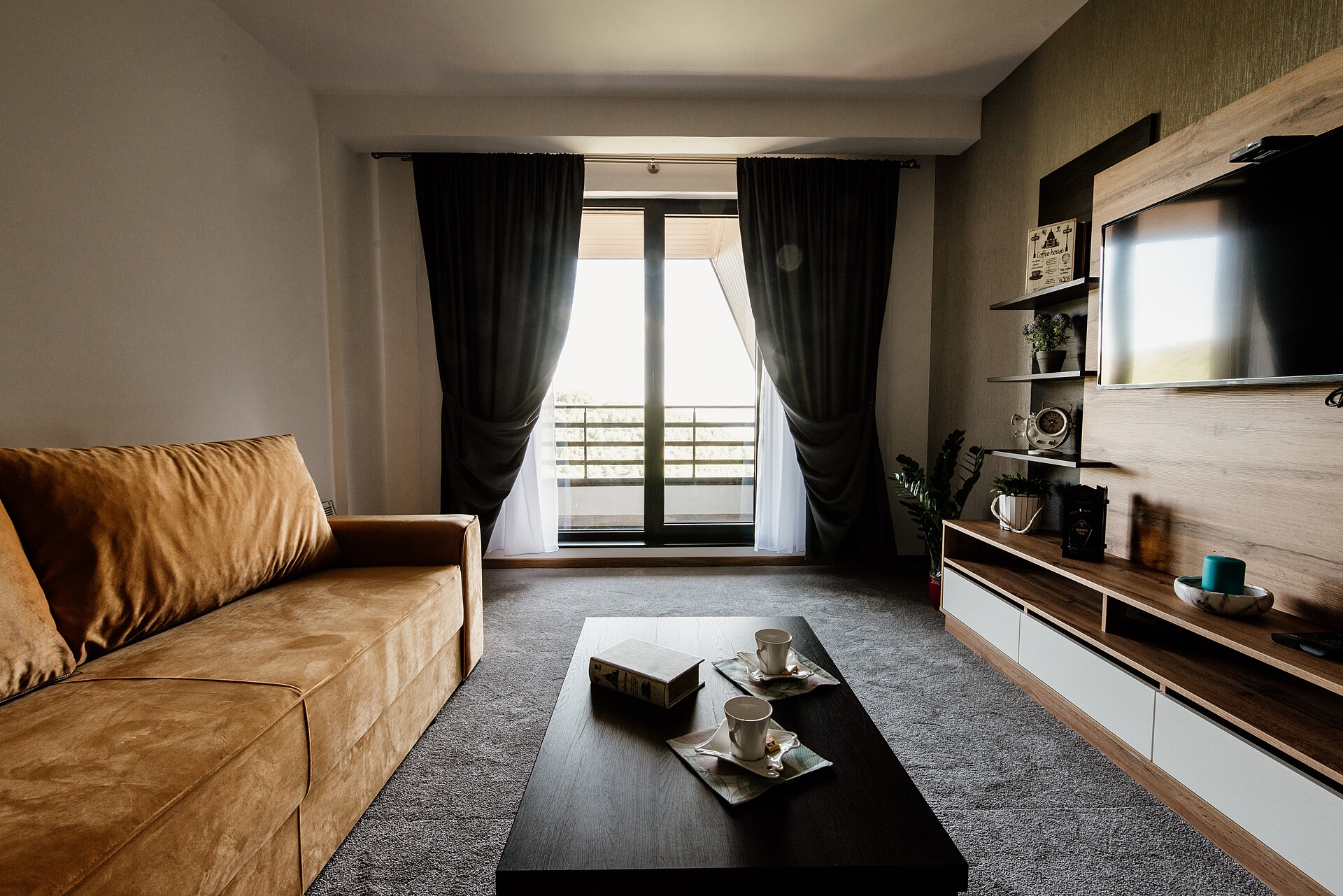
The kind of warm, styled result a restyle points you toward. For a renter, the goal is to reach this feel with removable pieces, not a renovation.
The renter's reversible palette, and its traps
Here is the niche part that no glossy render mentions: "removable" does not always mean safe. These are the specifics we have watched people get wrong.
- Peel-and-stick vinyl floor tiles lift at the edges in a warm room and refuse to sit flat over textured or uneven floorboards. They are brilliant over smooth existing vinyl, and a slow disaster over old timber.
- Removable wallpaper can pull the top layer of paint off with it if your landlord used cheap matte builder's emulsion, which most do. Test one strip in a hidden corner, leave it a week, then peel it before you commit a whole wall.
- Adhesive "damage-free" hooks have a real weight rating, and a warm room plus a heavy mirror is how you get a 2am crash and a hole to explain at the inspection. Read the rating, then halve it.
- A large rug is your single biggest reversible move. Over hard floor it defines the whole room; over existing carpet it needs a rug pad or it creeps and rucks.
- Tension rods and freestanding shelving buy you height, storage and a room divider with zero holes, which is exactly what deposits are made of.
The honest test for any change you are tempted by: can you put the room back in one afternoon, with no trace, before the final inspection? If the answer is no, it is a renovation, not a renter move, and the AI render quietly assumed you were an owner.
One more specific that improves the render itself: shoot the room straight-on, at chest height, in daylight, with your phone's HDR on. The AI reads geometry from that far more reliably than from a tilted, dim corner shot, so you get a layout-true restyle instead of a warped one.
Questions renters ask us
Can AI redesign my rental without changing the layout?
Yes, and that is the mode you want. Most AI restyle tools are most reliable when they keep the walls, windows and built-ins fixed and only change the surface. That matches what a renter is allowed to do anyway. We cover this in detail in our answer on redesigning a room without changing the layout.
Is AI interior design free for renters?
Many tools have a free tier that is plenty for exploring a few looks. High-resolution exports, batch runs and commercial features usually sit behind a paid plan, but for deciding how to style one rented room, the free level is often enough.
Can I actually buy the furniture the AI shows me?
Not from a plain restyle. That furniture is invented. If buying matters, and for a renter it usually does, choose a tool that places real, orderable products in your room photo instead of imaginary ones.
Will an AI render account for my room's real size?
No. It does not know your dimensions and will show furniture that would never fit. Use the render for style and mood, then check every real purchase against your actual measurements before you buy.
So the honest answer is that AI interior design is a genuine gift to renters, as long as you use it as a preview and not a plan. Let it show you the room's potential, then translate that into small, reversible, allowed changes. That is how you get a home that feels like yours without losing a penny of your deposit.
For a wider look at what these tools do well and badly, see our guide to the best AI interior design tools. And if your rental's specific curse is a gloomy aspect or a corridor-shaped entrance, we go deeper in AI interior design for dark north-facing rooms and AI interior design for narrow hallways. The two changes that come with you when you move are curtains and lamps, so they are worth getting right: see AI interior design for curtains and AI interior design for lamps and lighting.
Want to build AI previews into how you or your team make property decisions? Book a free call and we will map out where it pays off fastest.
Image credits: "Sunny Room in old Apartment" by epSos.de, licensed CC BY 2.0; "Empty apartment room with corner windows" by aismallard, licensed CC BY-SA 3.0; "Modern living room with stylish furniture and a view of the outdoors in a cozy apartment setting" by Shixart1985, licensed CC BY 2.0, via Wikimedia Commons.