Turn a written brief into a BIM model with AI
AI BIM Modeling · IFC4 Export · Architecture
Visit AIBIMTool→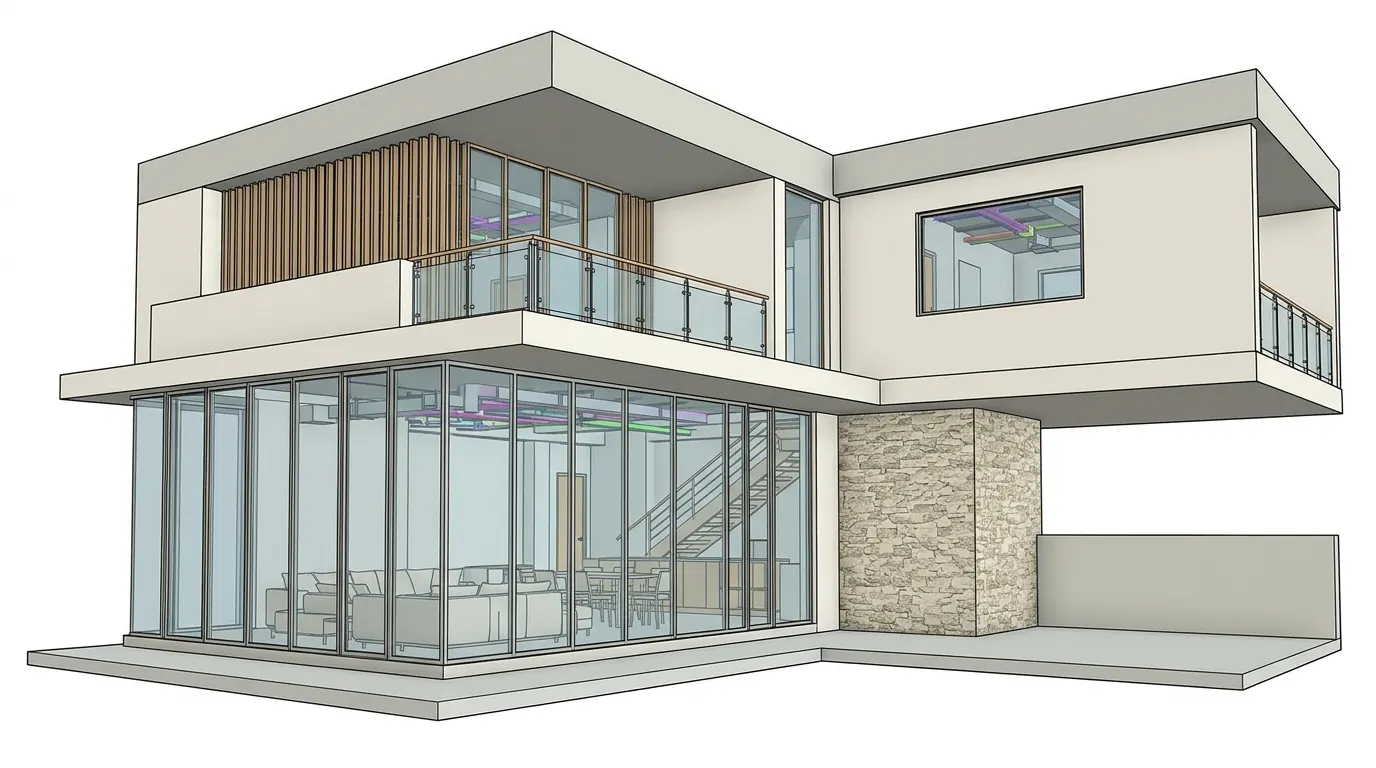

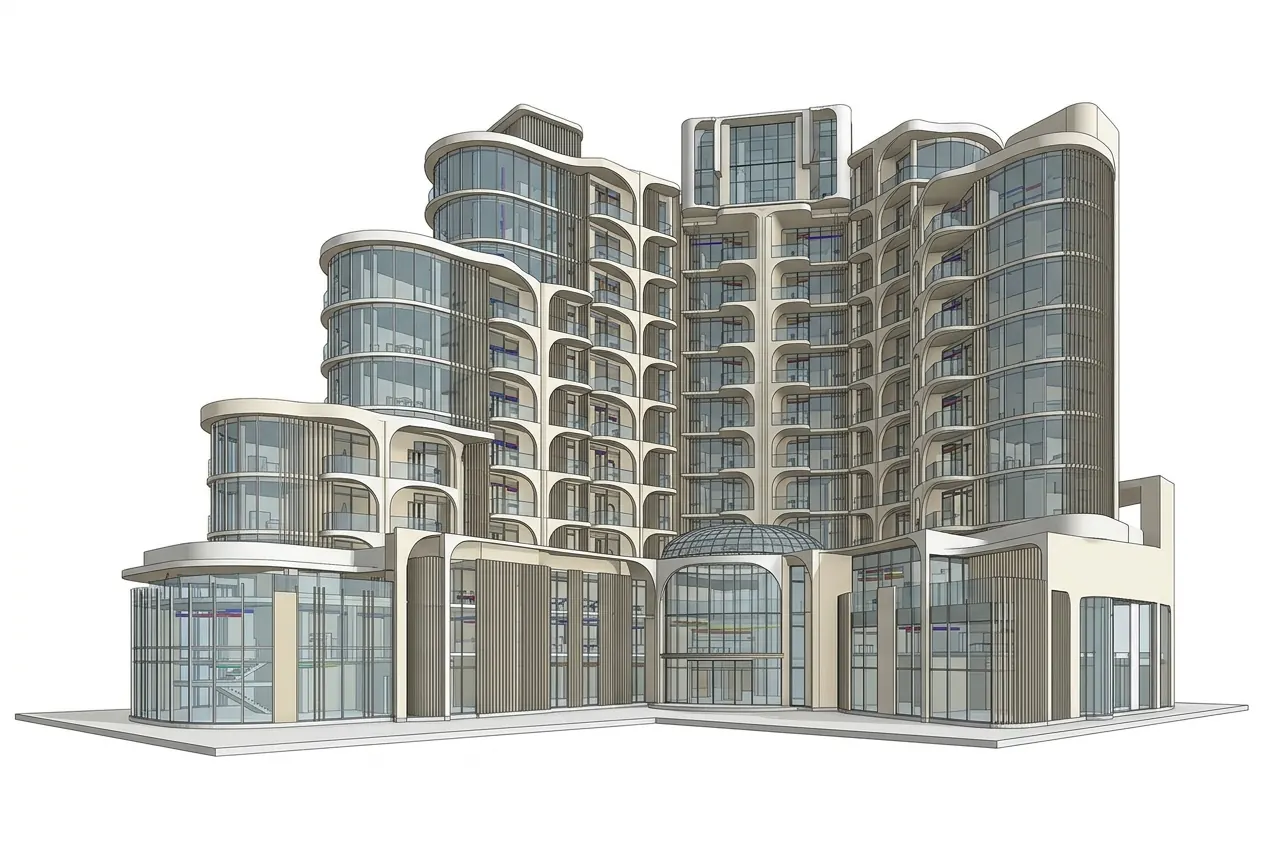

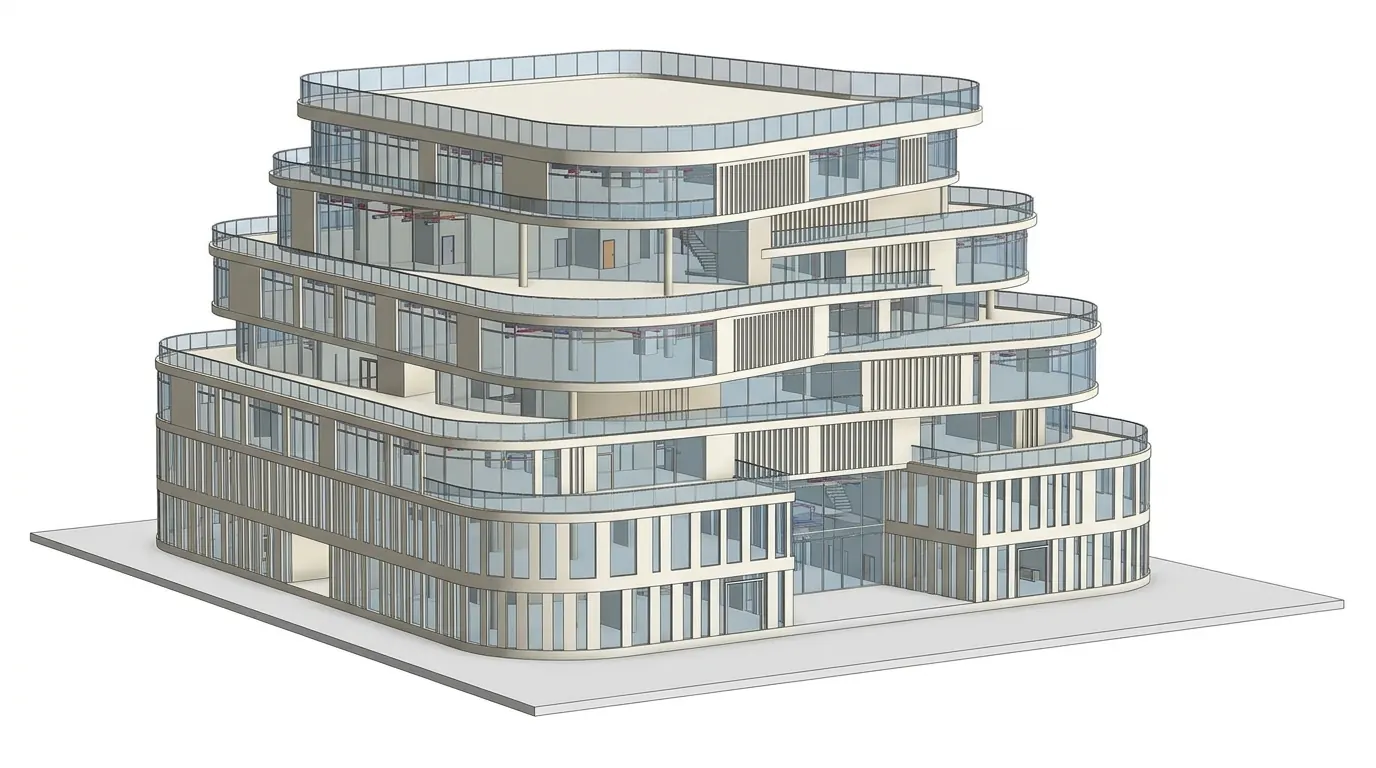

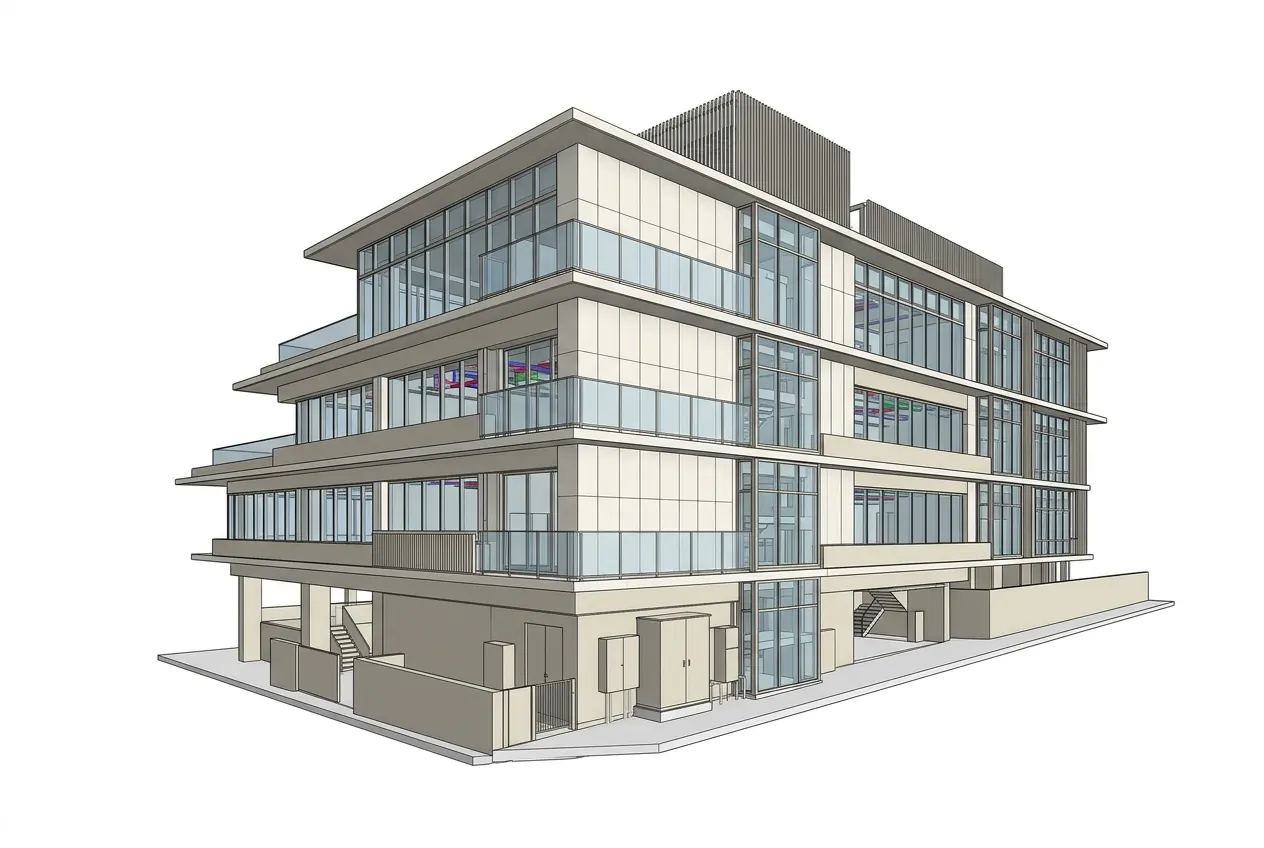
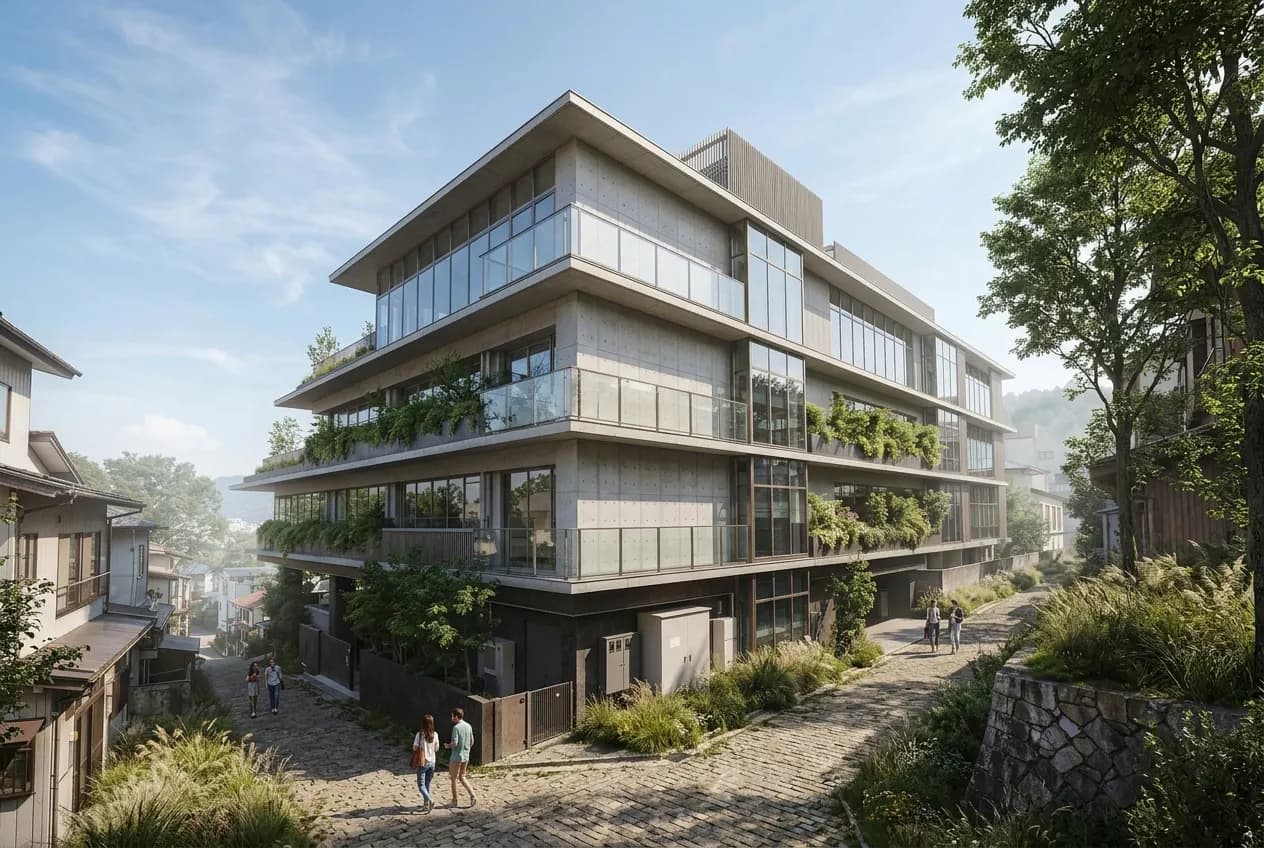
From BIM model to presentation render.
AIBIMTool is one of our own products. You write what you want to build, the way you would brief an architect, and an AI agent models it as a real building: storeys, walls, slabs, doors, windows, stairs, rooms and a roof, every element a proper IFC object rather than a picture. Before it starts on a large brief it asks a few questions and shows you its plan, and when it is done you download an IFC4 file that opens in Revit, Archicad, Bonsai or any IFC viewer. It runs in the browser, so there is nothing to install, and the first building is free.
From a written brief to a model you can present
No modelling skills and no desktop software. You describe the building, answer the agent's questions and approve its plan, then render it and hand it on as IFC4, all in the browser.
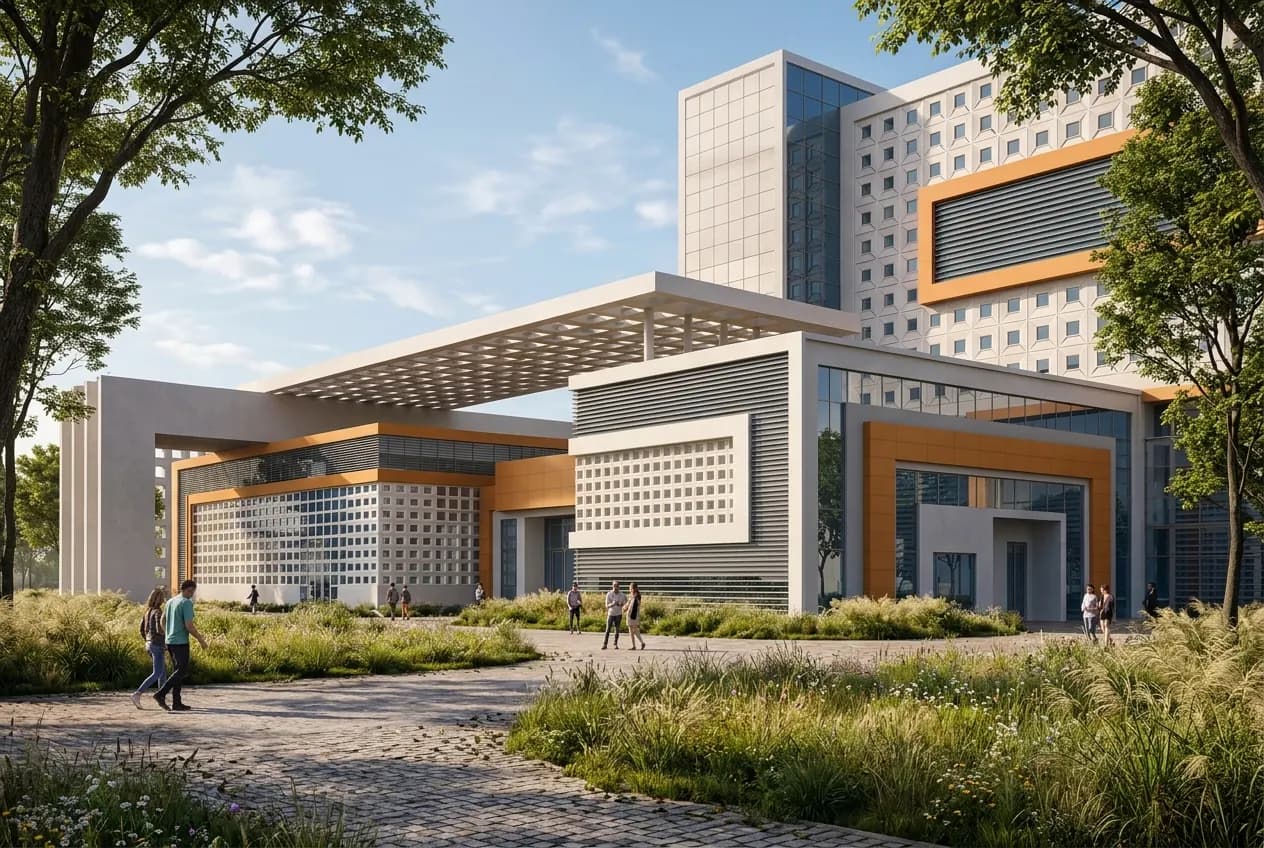
Write a brief, get a BIM model
Describe the building in a sentence or a page. The agent models it storey by storey, with walls, slabs, a roof, doors, windows, stairs and rooms, while you watch it grow in the 3D viewer.
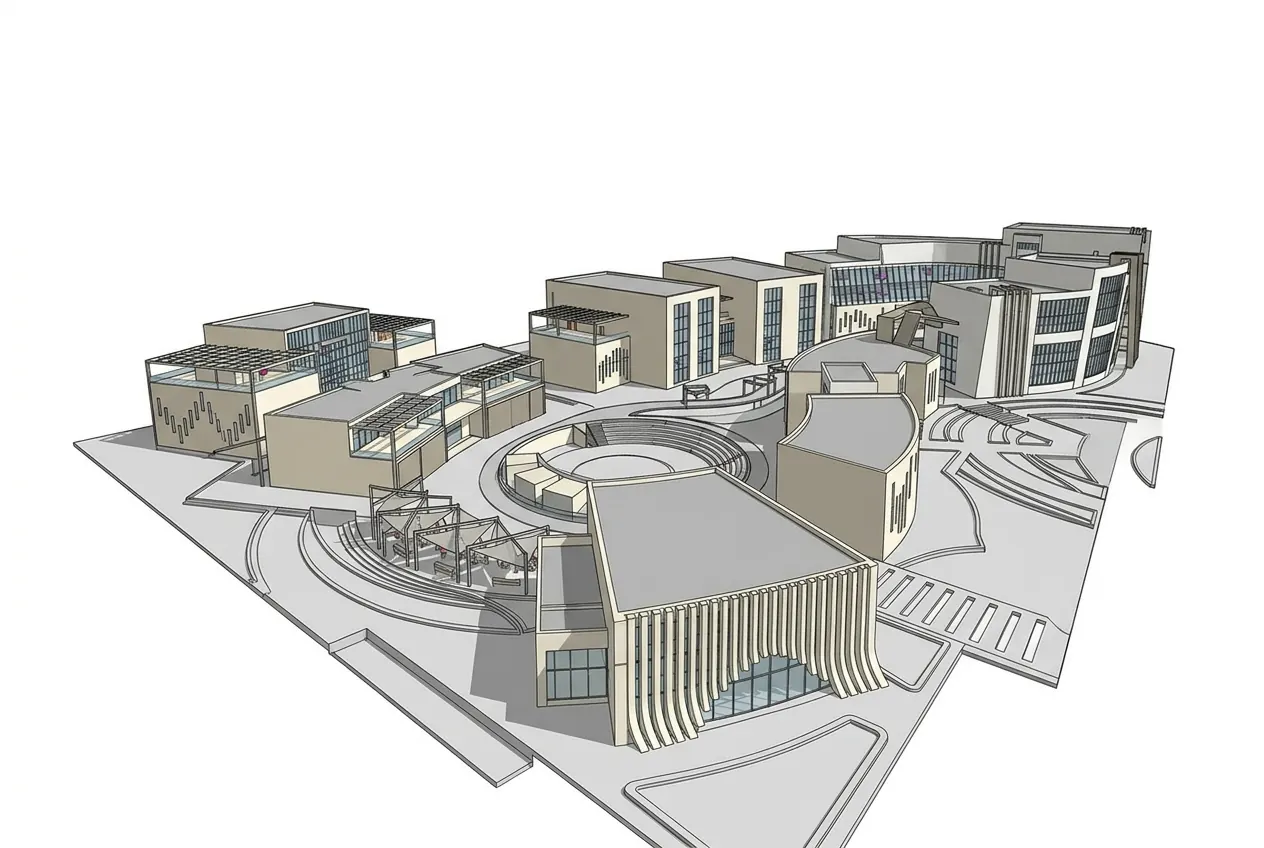
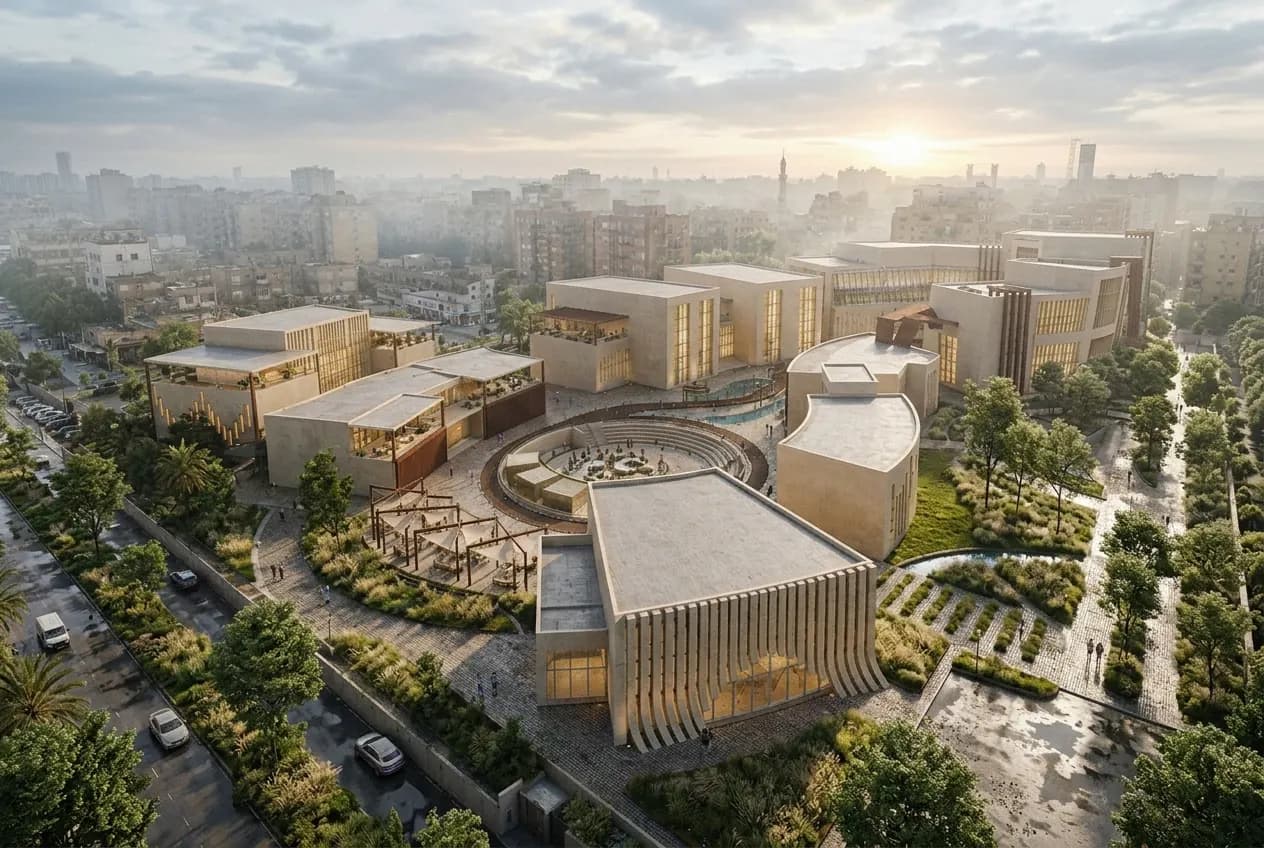
Large buildings, not just boxes
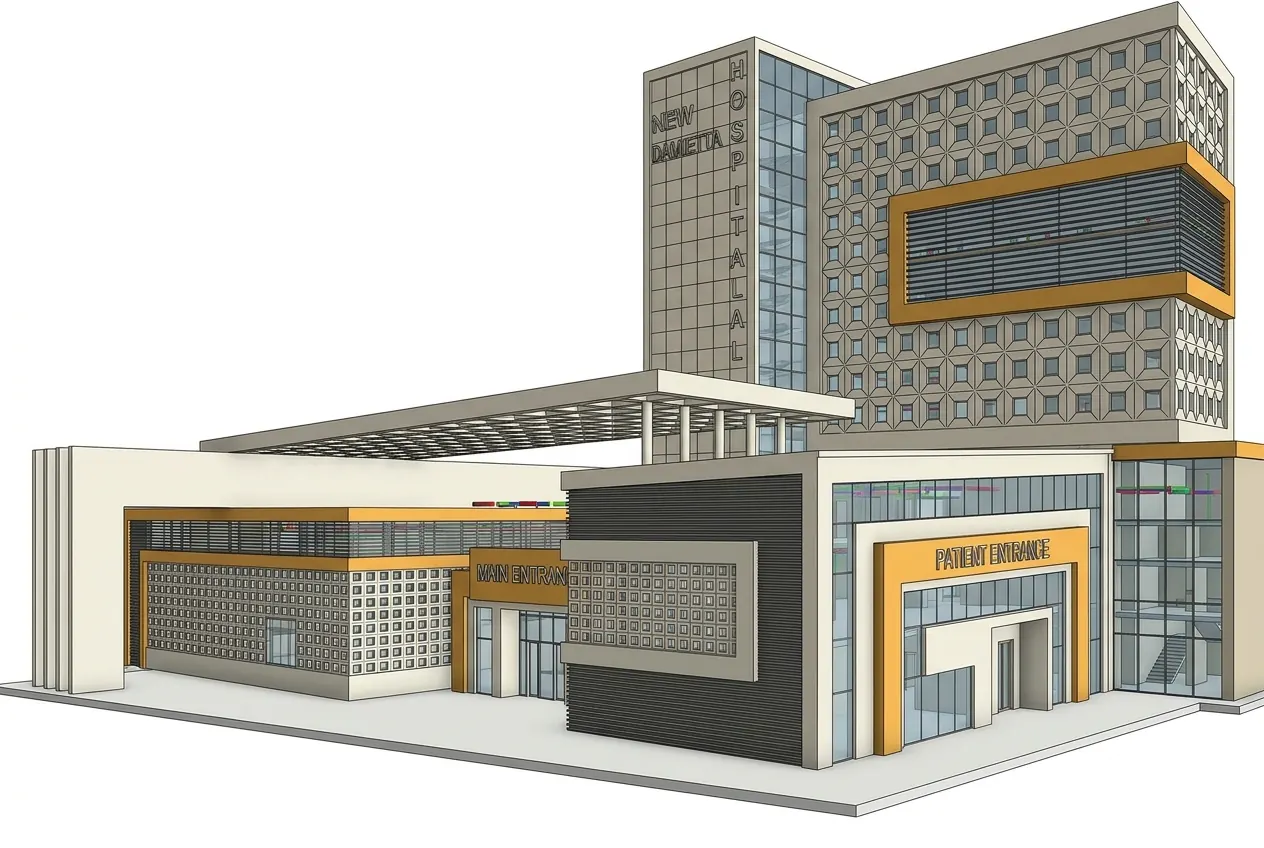
Campuses, hospitals, towers and podiums, curved façades and roof terraces. For a large brief the agent asks a few questions and proposes a plan first, so you can correct it before it models anything.
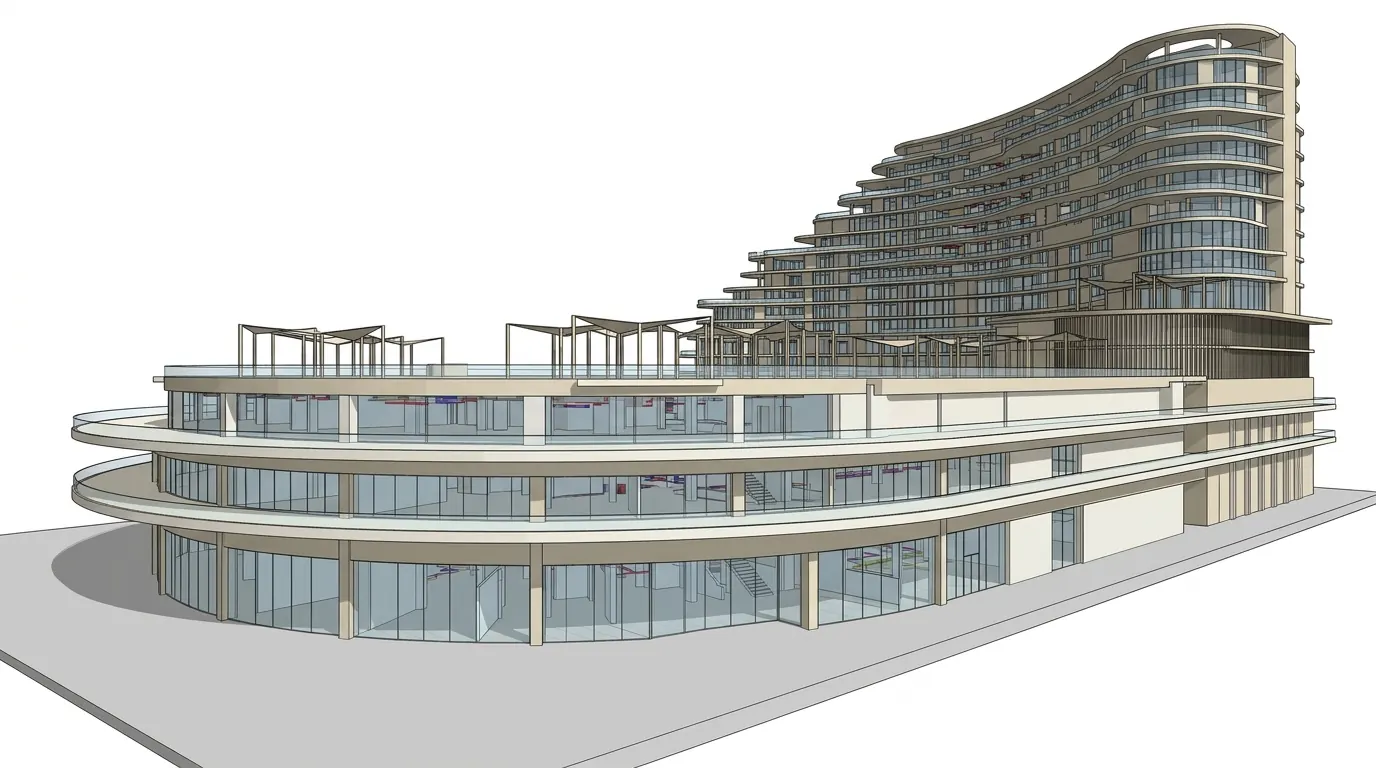

Render the model with AI
One click turns the BIM model into a photorealistic render from the same camera, with materials, light and landscape, so a client sees the building and not just grey geometry.
Export IFC4, or build through the API
Download the model as IFC4 for Revit, Archicad or Bonsai. Studio teams can also start and change buildings from code, through a REST API, a CLI and an MCP server for AI agents.
Want something like this?
We design and build custom AI products and workflows for business.
Book a free call