The Best AI Image Generators in 2026 (and How to Actually Prompt Them)
The gap between AI image generators has narrowed, and the gap between prompts has widened. In 2026 the tools are all impressively good. The difference between a usable image and a throwaway one is almost always the words you typed, not the model you picked.
That is the opposite of what most "best AI image generator" lists tell you. They rank tools, hand out five stars, and never mention that the same prompt produces wildly different results depending on how you write it.
We build AI systems for businesses, so we look at this from the practical end. Which tool to reach for, how to prompt it so you are not re-rolling twenty times, and how to make the whole thing part of a workflow instead of a browser tab you forget about.
A clear prompt is the input that matters most. The model is just the engine.
The best AI image generators in 2026
Nano Banana 2 (Google): the best all-rounder
Google's Nano Banana 2 is the most consistent performer for most people. It handles photorealism, illustration, and finally readable text inside images, all while being noticeably faster than the previous generation. Its image-to-image editing and inpainting make it a genuine workhorse rather than a one-shot toy. If you want one tool that rarely lets you down, start here.
Seedream 4 (ByteDance): for brand consistency
Seedream 4 produces crisp, high-resolution output and accepts multiple reference images, which makes it strong for keeping a consistent look across a set of brand assets. If you need ten images that feel like they belong together, references are the feature that gets you there.
Ideogram 3.0: for text, logos, and posters
If your image needs words on it, like a poster, a quote graphic, or a logo concept, Ideogram still leads on typography. Most models have improved at text, but Ideogram is the one you trust with it.
ChatGPT and Gemini: for conversational refinement
Generating inside ChatGPT or Gemini is underrated. Being able to say "good, now make the lighting warmer and lose the text in the corner" in plain language is a faster path to the final image than rewriting a prompt from scratch. Both also have free access, so they are a sensible place to start before paying for anything.
Midjourney: for stylised art
Midjourney still wins on mood. For stylised, editorial, genuinely beautiful images it has a look the others struggle to match. It is less about literal accuracy and more about feel.
Honest take: there is no single best AI image generator. There is the best one for the picture you are trying to make. Pick by the job, not the brand.
How to write AI image prompts that actually work
This is the part that changes your results more than switching tools ever will. Almost every strong prompt follows the same five-part shape.
- Subject. Lead with what the image is of. Be specific. "A ceramic coffee cup," not "a nice product shot."
- Style. Photo, 3D render, watercolour, flat illustration, film still. Name it plainly.
- Composition. Framing and angle. "Close-up, centered," "wide shot, rule of thirds," "top-down flat lay."
- Lighting. This is the secret weapon for realism. "Soft morning light," "golden hour," "studio softbox."
- Modifiers. The finishing details. Lens ("35mm"), mood, colour palette in plain words, level of detail.
Put together, you get something like this. "A ceramic coffee cup on a wooden table, photorealistic, close-up at a slight angle, soft morning light from the left, shallow depth of field, warm muted tones." That will beat "nice coffee photo" every single time.
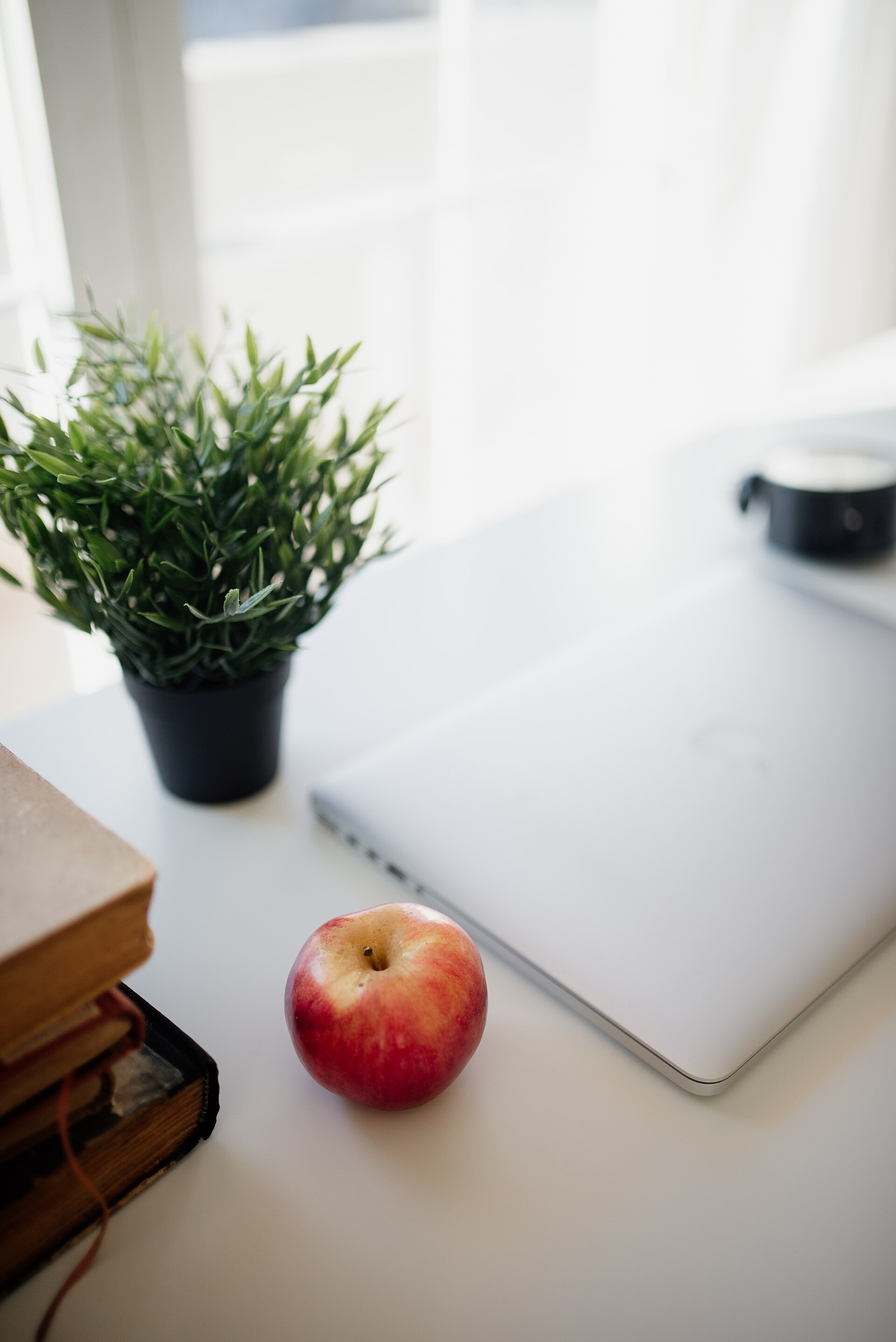
Specificity is the whole game. Describe the scene like you are briefing a photographer, not casting a wish.
A few rules that hold across every tool:
- Lead with the subject, not the style. Models weight the first words most heavily.
- Use photography language for realism. "85mm portrait, soft window light" gets you further than "very realistic."
- Describe colour in plain words. Try "warm terracotta and cream" rather than hex codes, which most models ignore.
- Change one variable at a time. If a result is close, adjust a single thing like the lens, the light, or the angle, then regenerate. Two or three small tweaks beats starting over.
When the prompt is clear and specific, these tools land an excellent result the large majority of the time. When it is vague, no model saves you.
Where AI image generators still fall short
This is what the affiliate lists leave out.
Hands, text, and fine repeating detail still go wrong, though far less than they used to. Models do not understand your actual product, so generating "your" item rather than a plausible lookalike needs reference images and careful editing. Consistency across a series is hard without reference support. And there are real licensing and disclosure questions for commercial use, so check the terms of whichever tool you ship from, because they differ a lot.
None of this makes the tools bad. It just means the output is a fast first draft, not a finished asset. The teams winning with this treat the AI as the junior designer who produces ten options in a minute, and keep a human to choose and polish.
Turning a generator into a workflow
One clever image app is a toy. A connected workflow is an advantage.
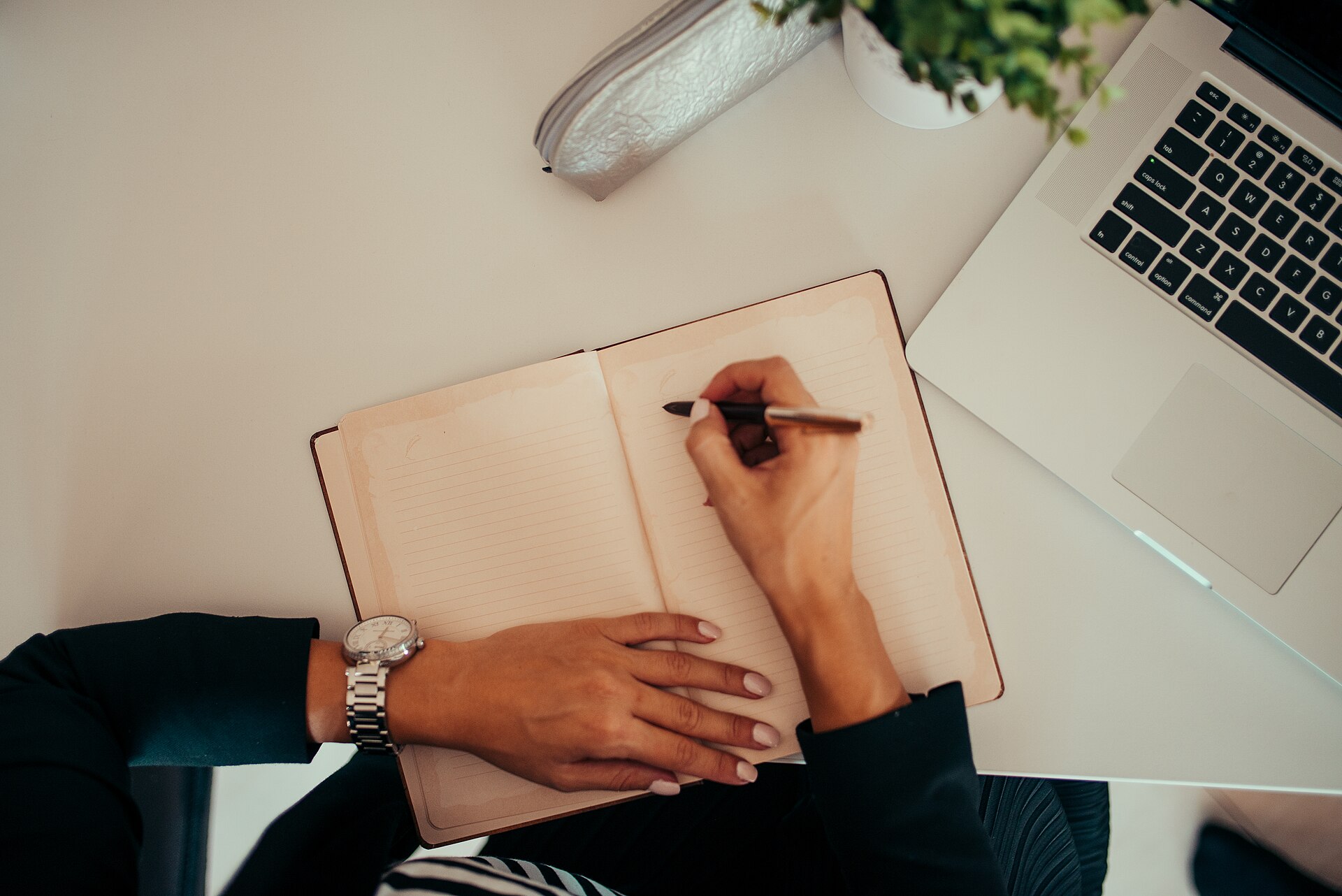
The slow part is rarely the generation. It is the briefing, the choosing, and the getting-it-into-the-right-place.
A pattern that works for marketing and e-commerce teams looks like this. The input arrives once, whether that is a product name, a campaign brief, or a content calendar slot. Prompts get assembled automatically from that input using the formula above. A batch of options generates on its own. A human picks the keepers. And the chosen images flow straight into your designs, listings, or social scheduler, correctly named and sized.
That last step is where the hours vanish. Not in making the picture, but in the briefing, renaming, resizing, and "where does this go now" that surrounds it.
Where MeltFlex Solutions fits in
We do not sell a single image app. What we build is the connected system that ties these tools into how a business actually runs.
For an e-commerce brand, that might mean generating on-brand product and lifestyle images straight from a spreadsheet of SKUs. For a marketing team, it might mean turning a campaign brief into a full set of sized, named, ready-to-post visuals without anyone hand-writing forty prompts.
The tools in this article are the raw material. The advantage is in how you wire them together, and that is what we design and deploy. Our MeltFlex AI case study shows what that looks like in practice, with image generation turned into a real product for property and room visuals.
Questions people ask us
What is the best AI image generator in 2026? For all-round use, Nano Banana 2 is the strongest default. Use Ideogram when you need text in the image, Seedream 4 for consistent brand sets, and Midjourney for stylised art. Start with the free options in ChatGPT or Gemini before paying.
How do I write a good AI image prompt? Follow the order of Subject, Style, Composition, Lighting, then Modifiers. Be specific, and change one variable at a time when refining. That single habit improves results more than switching tools.
Are AI image generators free to use? Many have free tiers. High resolution, commercial licences, and batch generation usually require a paid plan, and licensing terms vary, so always check before using output commercially.
Can AI image generators replace designers? No. They produce fast drafts and remove grunt work, but taste, brand judgement, and knowing what "right" looks like still need a person. The best results come from pairing the two.
So that is the honest version. The tools are excellent and getting better, but the real lever is the prompt, and the bigger win is the workflow you build around it.
Want to turn AI image generation into a system that produces on-brand visuals on autopilot? Book a free call and we will map out where it pays off fastest.
Image credits: workspace photos by Shixart1985, via Wikimedia Commons, licensed under CC BY 2.0.