AI Floor Plan Generators in 2026: How to Turn a Photo or Sketch Into a Real Layout
 Matúš Koleják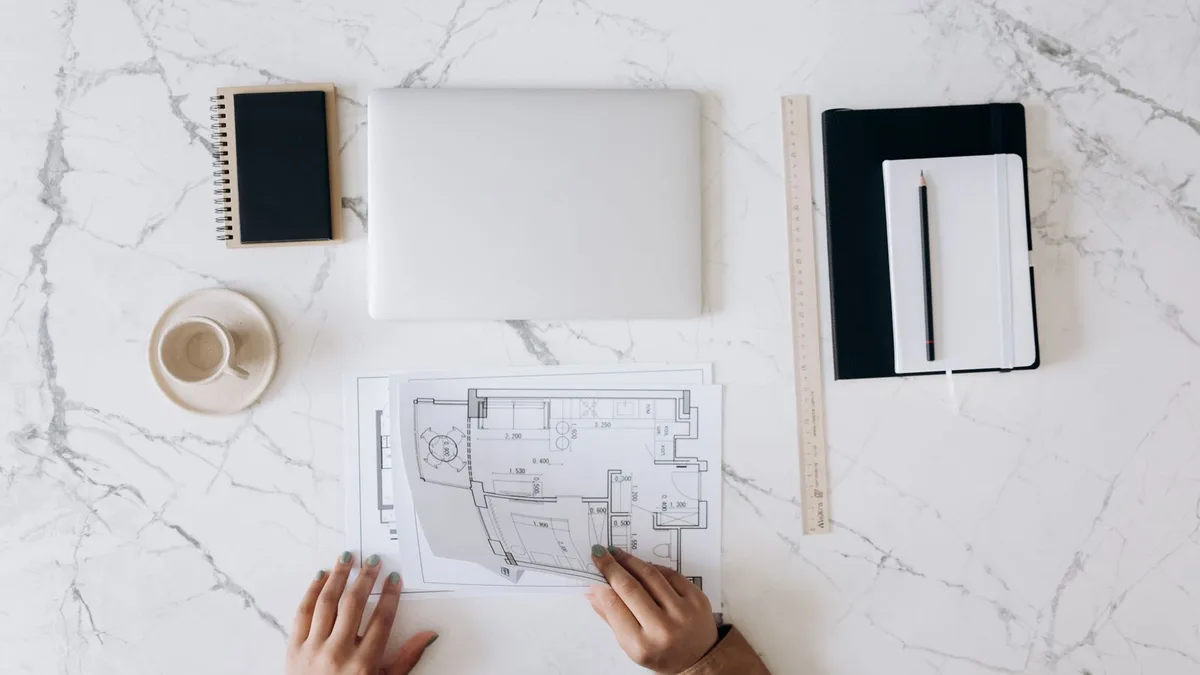
Drawing a floor plan used to mean either learning CAD or paying someone who already had. That is the part AI has genuinely changed.
Today you can take a photo of a room, a rough pencil sketch, or even a written description, and get back a clean floor plan in under a minute. That speed is real, and it is also where people get into trouble.
A floor plan that looks finished is not the same as one you can build from, list a property with, or hand to a council for a permit. The gap between those two things is exactly what the tool marketing glosses over.
We build AI systems for businesses, including computer vision and document pipelines, so we look at this from the inside. Here is how AI floor plan generators actually work, the tools worth knowing in 2026, how accurate they really are, and the moment you should stop trusting the AI and call a person.
What an AI floor plan generator actually does
Strip away the marketing and these tools do one core job: they take a loose input and turn it into structured floor plan geometry, with walls, doors, windows, and rooms drawn to a consistent scale.
Under the hood, most run computer vision trained to recognise the parts of a building:
- From a photo: it looks for wall edges, door swings, and window openings, then reconstructs them as clean lines.
- From a sketch: it interprets your rough marks the same way.
- From text: like "two bed apartment with an open kitchen," it generates a plausible layout from scratch.
The important thing to understand is that the AI is making educated guesses, not measurements. It is very good at recognising what a wall looks like. It has no real way to know that wall is 3.2 metres long unless you tell it, or unless the input gives it something to calibrate against. Hold onto that idea. It explains every accuracy problem further down.
From sketch or photo to floor plan, step by step
Most tools follow the same flow, whatever they call it.
1. Prepare your input
Your result is only ever as good as what you feed in.
- For a sketch: clear lines on plain paper, and write at least one real dimension so the tool can set the scale.
- For a photo: shoot each room straight on, with even light and as little clutter as possible.
A blurry, angled photo of a furnished room is the hardest case you can give an AI, and it will show in the output.
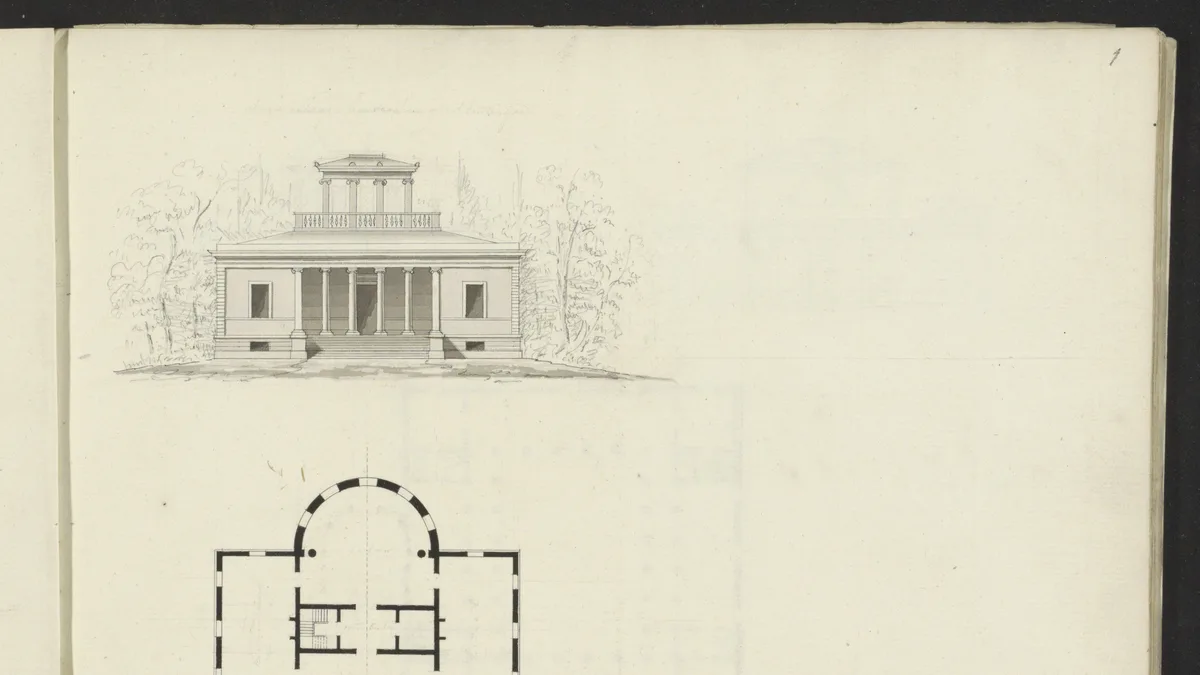
Even a hand-drawn plan like this can be read by AI, as long as the lines are clear and there is a scale to work from.
2. Upload and generate
Drop in the image or type the prompt, and the tool returns a draft plan. This is the magic moment, and also the one to be most skeptical of. It looks authoritative. That does not mean it is right.
3. Review and correct
This is the step people skip and regret. Walk the plan against reality. Are the rooms in the right places? Are door and window positions correct? Most tools let you drag walls, fix openings, and edit labels, so this is where you turn a plausible draft into an accurate one.
4. Export or design the interior
Once the layout is right, export it, usually as a PDF or image for sharing, or DXF if you need to keep working in CAD. From a clean plan you can also move into the fun part, styling rooms and testing furniture layouts, which is a whole separate use of AI.
Best AI floor plan tools compared in 2026
The field moves fast, so treat this as a snapshot of the categories rather than a permanent ranking. Features change constantly.
| Tool | Free tier | From photo or sketch | 2D and 3D | Best for |
|---|---|---|---|---|
| Maket | Yes, limited | Text and sketch | 2D focus | Generating layout options fast |
| Planner5D | Yes, limited | Manual and assisted | Both | Homeowners and DIY planning |
| RoomSketcher | Trial | Order from photo | Both | Real estate listing plans |
| Coohom | Yes, limited | Photo and sketch | Both | Designers wanting render quality |
| Floor plan AI tools | Varies | Photo and sketch | Mostly 2D | Quick concept plans |
The honest takeaway: there is no single best tool, only the best fit for your finish line. A homeowner sketching a renovation, an agent who needs a tidy listing plan, and a designer producing client work all need different things. Decide what the output has to be before you pick the tool.
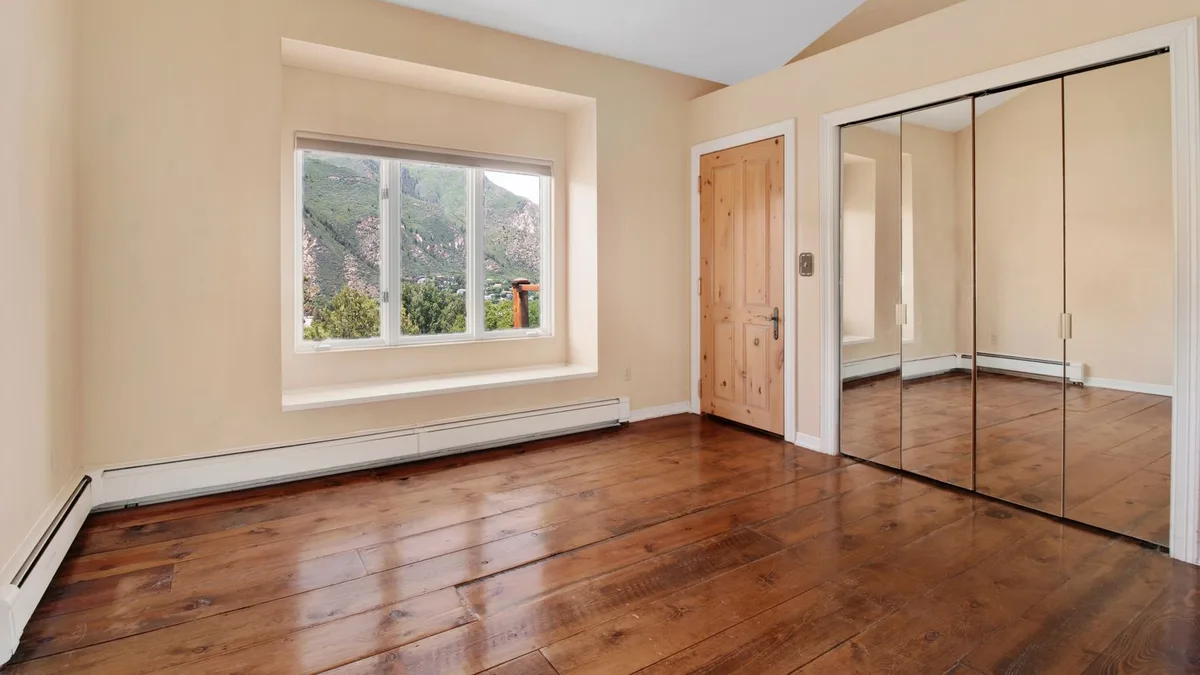
A clean, well-lit room shot straight on is the easiest photo to turn into a reliable plan.
How accurate are AI floor plans, really?
This is the section the tool pages leave out, and the one that saves you from an expensive mistake.
On simple, rectangular rooms, the better tools land in a believable range, often within a small margin once you have given them a reference measurement. The problems start the moment reality gets complicated.
A few failure modes worth knowing by name:
- Room size from photos gets overestimated, because a single image cannot give true depth without something like a LiDAR scan to lean on.
- Stairs get mishandled, treated as a flat box rather than the real footprint they occupy.
- Angled walls, alcoves, and anything that is not a tidy rectangle trip it up.
- When it is unsure, it does not say so. It fills the gap with something that looks right.
None of this makes the tools useless. It makes them a fast first draft that needs a human check. The teams getting real value verify a few key measurements against the actual space every single time, rather than trusting the number on the screen.

The draft appears in seconds. The accuracy comes from the review step most people skip.
AI floor plans by use case
The right approach changes a lot depending on who you are.
Renovation planning
For testing whether a wall can move or a kitchen can flip, AI plans are brilliant. They let you explore ideas cheaply before paying anyone. Just remember the plan is for thinking, not for building, until a professional has checked the structural reality.
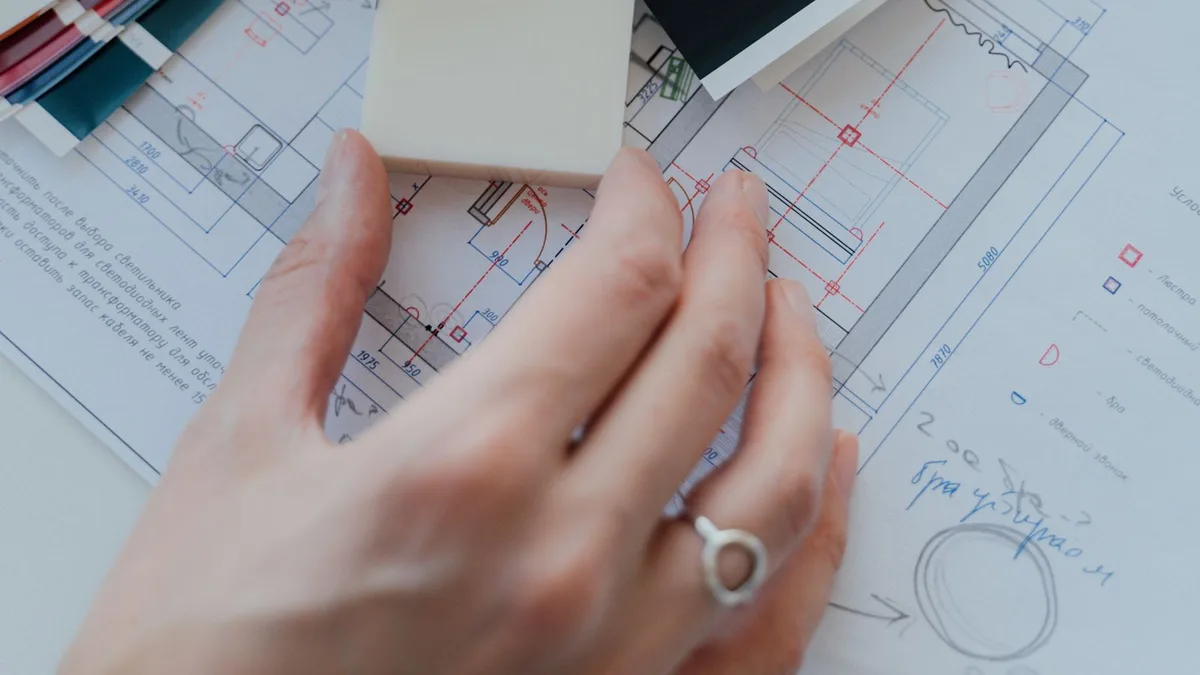
For early renovation ideas, a fast plan is perfect. For the build, it goes to a pro.
Real estate listings
A clean floor plan genuinely helps a listing, because buyers want to understand the flow of a home. AI makes producing one fast and cheap. The bar here is "clear and roughly accurate," which AI can hit, as long as you do not present an estimated plan as a surveyed one.
Builders and designers
For early concept work, generating layout options in seconds is a real speed-up. The value is exploring directions quickly, then taking the chosen one into proper tools where the measurements get nailed down.
Architects concepting
For ideation, AI is a useful sketchpad. For anything that gets submitted, signed, or built, it is the starting line, not the finish.

A clear floor plan helps a listing, as long as you never sell an estimate as a survey.
When AI is not enough
Some lines you should not cross with an auto-generated plan:
- Permits and official submissions. Authorities expect drawings prepared or checked by a qualified person. An AI estimate does not meet that bar.
- Structural decisions. Load-bearing walls and anything where a wrong measurement has a real cost.
- Surveyed accuracy. Never present an AI plan as a measured survey. That is where you move from helpful to misleading.
A simple verification habit covers most of this. Before you rely on any AI plan: check at least three real measurements against the space, confirm the scale is consistent, and never treat the output as certified. If the stakes are high, the plan goes to a licensed professional. That is not a failure of the tool, it is using it for what it is good at.
Where MeltFlex Solutions fits in
Here is the pattern we see again and again: the single tool is the easy part, and the hours actually disappear in everything around it.
For a property team or a renovation business, the real workflow is a chain. A sketch or photo comes in. It has to become a clean plan. The plan has to be checked. Then it flows into a listing, a proposal, or a design, and the follow ups and revisions pile up behind it.
A floor plan generator is one link. The advantage comes from connecting the whole chain, so an input arrives, gets turned into a clean technical plan, and moves through to the finished output with a human stepping in only for the judgment calls.
That is what we design and deploy at MeltFlex Solutions. The generator is the raw material. The system around it is where the time savings actually live. Our MeltFlex AI case study shows the floor-plan-to-3D and room visualisation side of this in action.
The win is not generating a plan in ten seconds. It is everything that no longer has to happen by hand after that.
Questions people ask us
Can I generate a floor plan from a single photo? For a simple room, often yes, but a single photo cannot capture true dimensions. Expect a usable draft that needs a measurement check, not a precise survey.
How accurate are AI-generated floor plans? Good on simple rectangular rooms once you provide a reference measurement, and unreliable on stairs, angled walls, and anything complex. Always verify the numbers that matter.
Are AI floor plan generators free? Many have a free tier with limited plans or watermarked exports. Higher resolution, CAD export, and volume usually need a paid plan.
Can AI floor plans be used for building permits? No. Permits require drawings prepared or verified by a qualified professional. Use AI for concepts and planning, not official submissions.
Can AI handle a rough hand-drawn sketch? Yes, if the lines are clear and you include at least one real dimension for scale. Messy, ambiguous sketches produce messy, ambiguous plans.
Does the AI add accurate measurements automatically? It estimates them, and the estimate is only as good as the reference you give it. Treat auto-added dimensions as a starting point to confirm, not as truth.
So that is the honest picture. AI floor plan generators are a genuine speed-up in 2026, the draft really does appear in seconds, and the value is not the draft itself. It is the checked, connected workflow you build around it.
Sources and further reading
- Floor plan - Wikipedia overview of floor plans, scale, and conventions.
- Lidar - the depth-sensing technology behind the most accurate room scans.
- Floor plans guide - RoomSketcher reference on 2D and 3D floor plans and exports.
Want to turn floor plans and the work around them into a system that saves real hours? Book a free call and we will map out where automation pays off fastest.
Image credits: photos via Pexels (Mikhail Nilov, hi room, Kaboompics, AI25.Studio, MART PRODUCTION); historical floor plan drawing in the public domain via Wikimedia Commons.